
Upload a ZIP website
Package the finished HTML, CSS, JavaScript and assets with correct paths.
ZIP the finished website
Upload the files the browser will request, rather than your entire development repository. Keep one clear index.html at the ZIP root, or put the whole site inside one top-level folder.
index.html
about.html
assets/
  style.css
  app.js
  portrait.webp
For a framework project, upload the completed static build output. Leave out node_modules, environment files, credentials, server code and source that still needs compilation.
Choose Upload
Open HTML to link, choose Upload, select the ZIP and give the site a name. Review validation feedback before publishing.
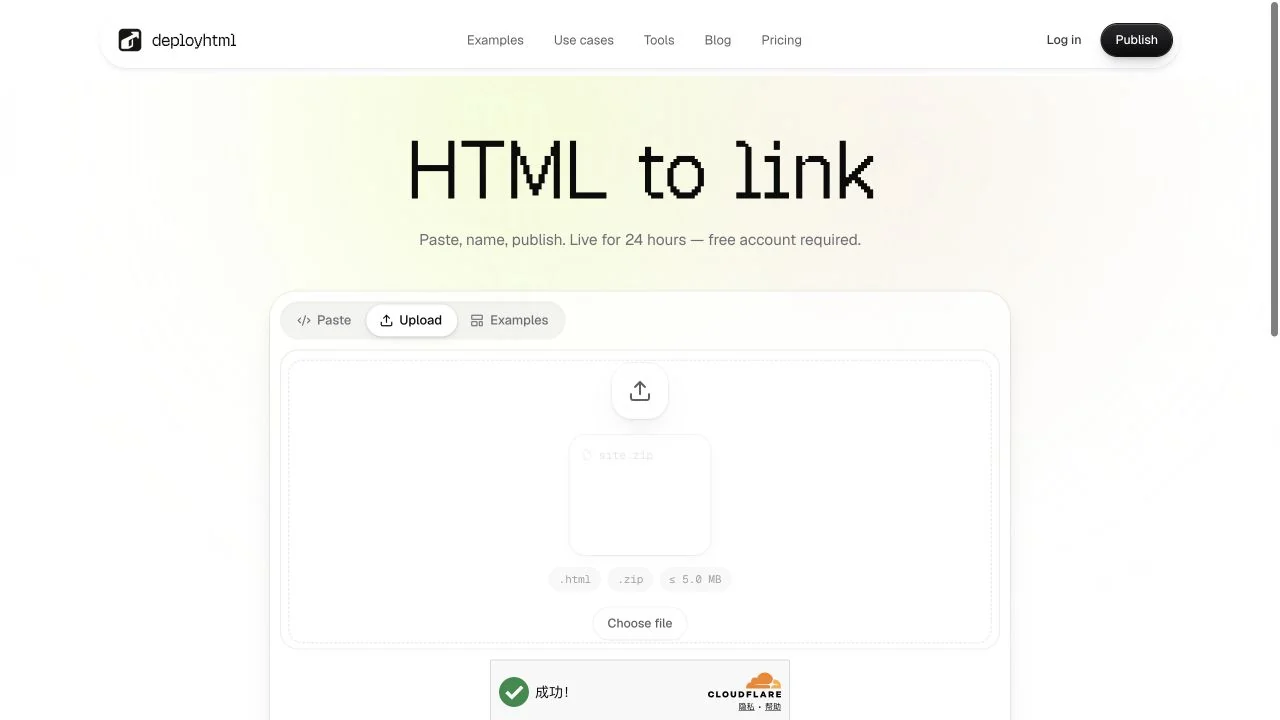
The expanded upload limits are 5 MB on Free, 25 MB on Basic and 50 MB on Pro. A compressed ZIP can expand far beyond its download size. A package may contain at most 500 files. See all limits.
Check asset paths
A reference to ./assets/portrait.webp needs that exact file and capitalization. A nested page may need ../assets/style.css. Paths such as C:\Users\you\photo.png or /Users/you/photo.png refer to your own computer and cannot be shared.
Test direct visits
Open the homepage, then visit important nested pages directly and refresh. Confirm that images, fonts and scripts still load. An SPA may need its explicit fallback setting; that setting does not repair a missing image or stylesheet.
Unsafe paths, duplicate entries, encrypted archives, unsupported files and ambiguous entry roots are rejected. If you see build required, use the source-code guide. A rejected upload does not replace the previously published version.
Last updated on