
Publish AI-generated HTML
Prepare portable files from Claude, ChatGPT, Gemini or a coding assistant.
Identify the output
The important distinction is the file format, not the AI tool's name. A complete HTML document can be hosted directly. A React/TypeScript component or project with package dependencies usually needs a build first.
Ask for a complete index.html with its CSS and browser JavaScript included, or export the project's finished static build. A hosted artifact viewer link is not the same as having its files; this workflow accepts HTML and ZIP uploads.
Return a complete index.html for this page.
Include its CSS and browser JavaScript.
Use clearly labeled sample data.
List any feature that still needs a backend or external service.
Do not put private API keys in browser code.
Preview the actual files
Use HTML to link to paste or upload them. Check the main interaction and both preview sizes. Supported external libraries may use automatic acceleration; review the library and diagnostics guide when a resource fails.
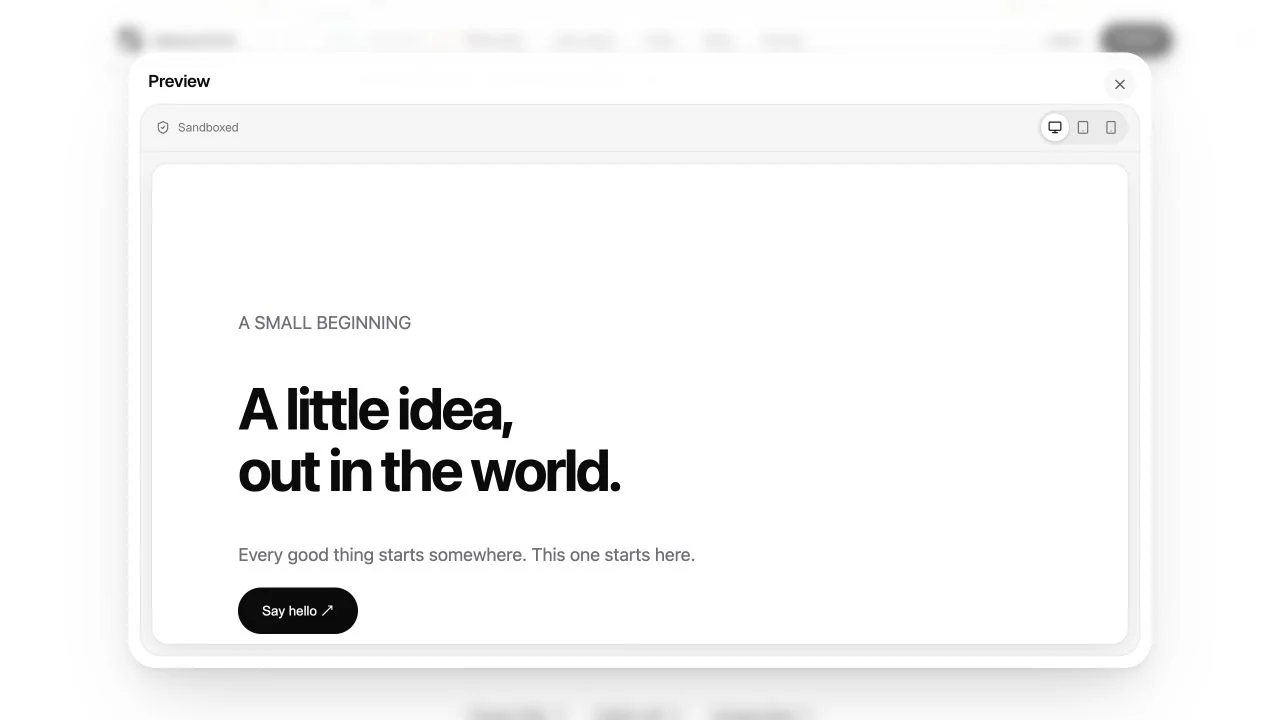
These screenshots use original DeployHTML sample files. They do not show an authenticated export from every AI vendor, and do not establish that a vendor-specific connector or AI action works outside its original environment.
Keep dependencies explicit
AI-provider calls, databases, email delivery and server-only code need separately configured services. Never embed private provider credentials in published HTML. A mock form or chart should visibly say when it uses sample data.
Publish, open the URL in a separate session and test it as a visitor. For full walkthroughs, read Claude HTML artifacts or ChatGPT HTML. For source uploads, see build output.
Last updated on