
How to publish an interactive quiz or self-reflection assessment
Share a small assessment with clear local scoring, real response checks and optional whole-site access codes. Try an original four-question reflection example.
DeployHTML team · 6 min ·
Decide what the assessment actually does
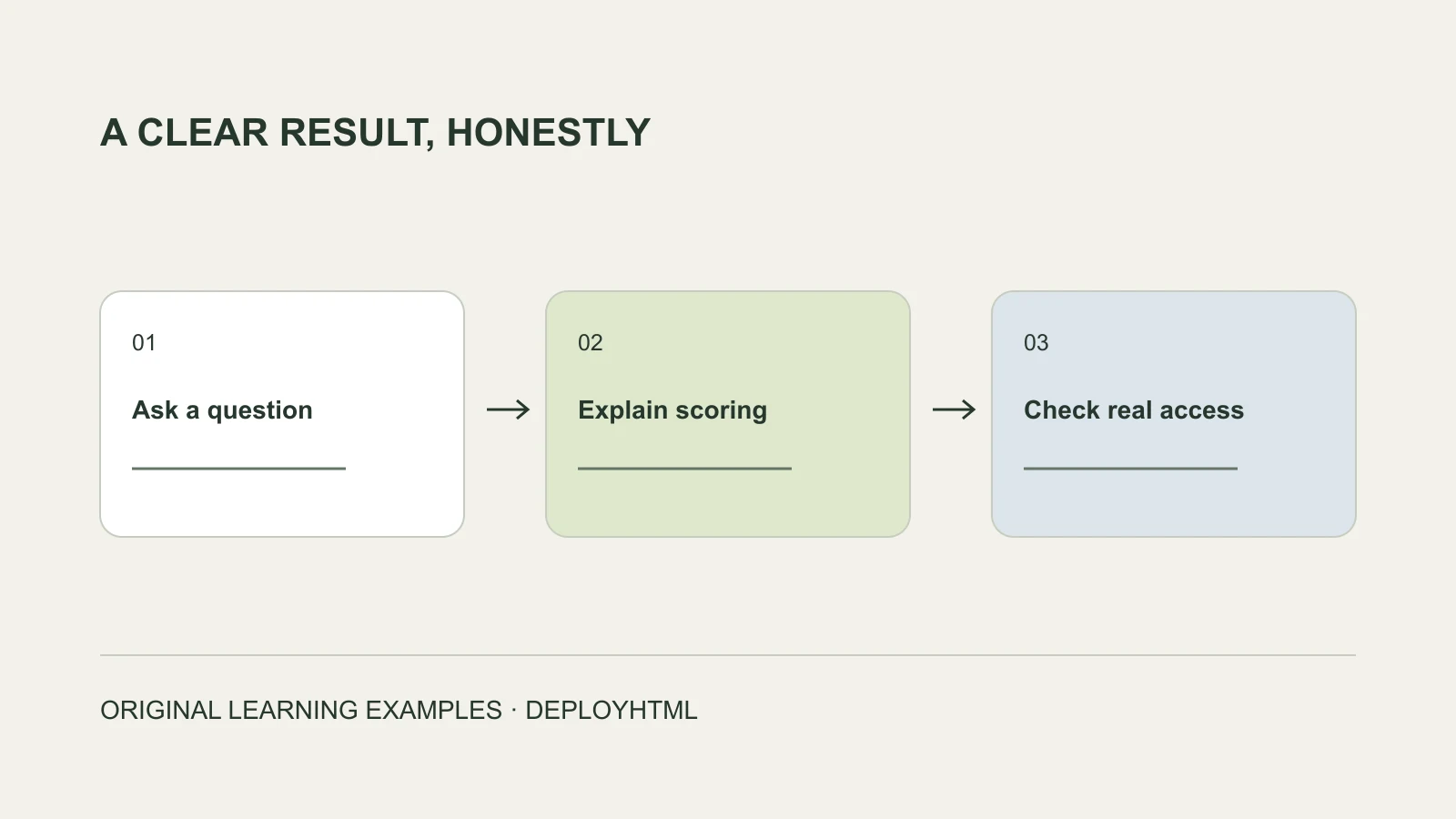
To publish an interactive assessment, prepare its questions, scoring and result explanation, then host and test the browser-ready files. Decide separately whether answers should be saved and whether access should be restricted.
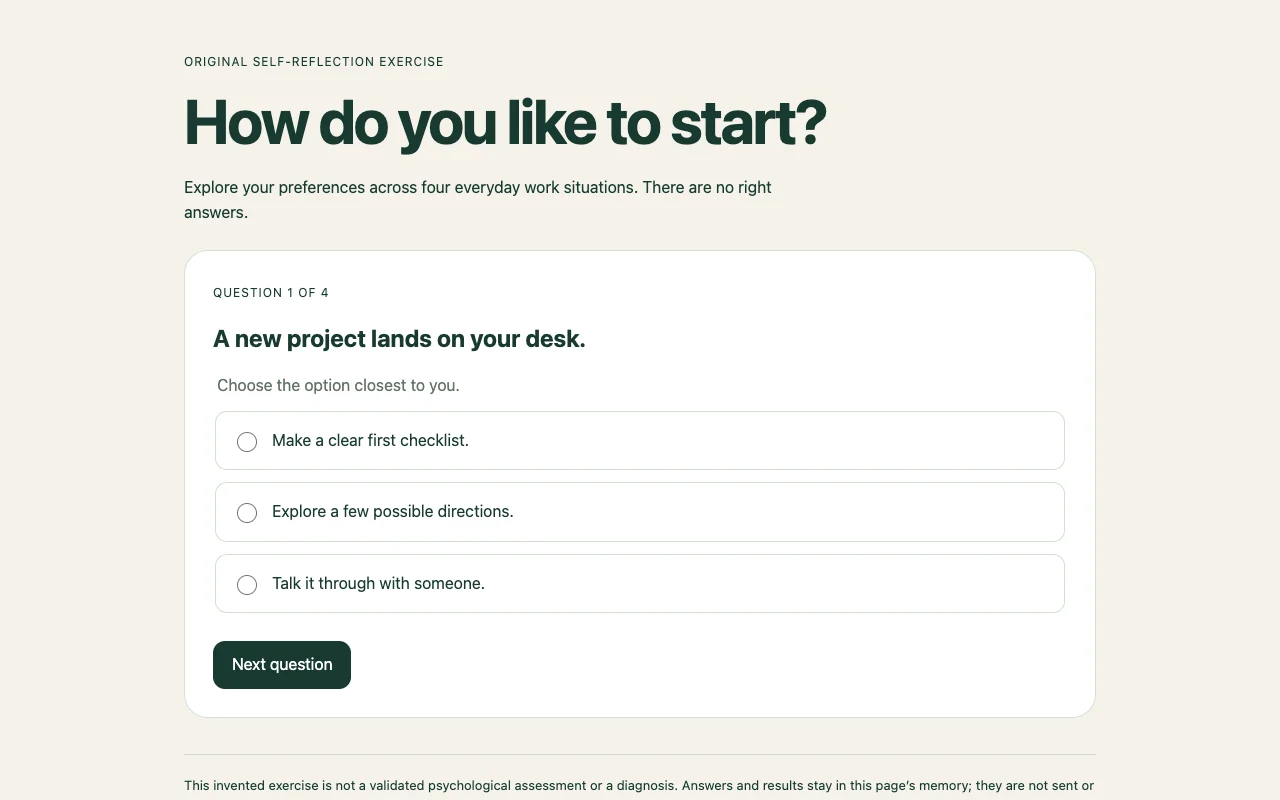
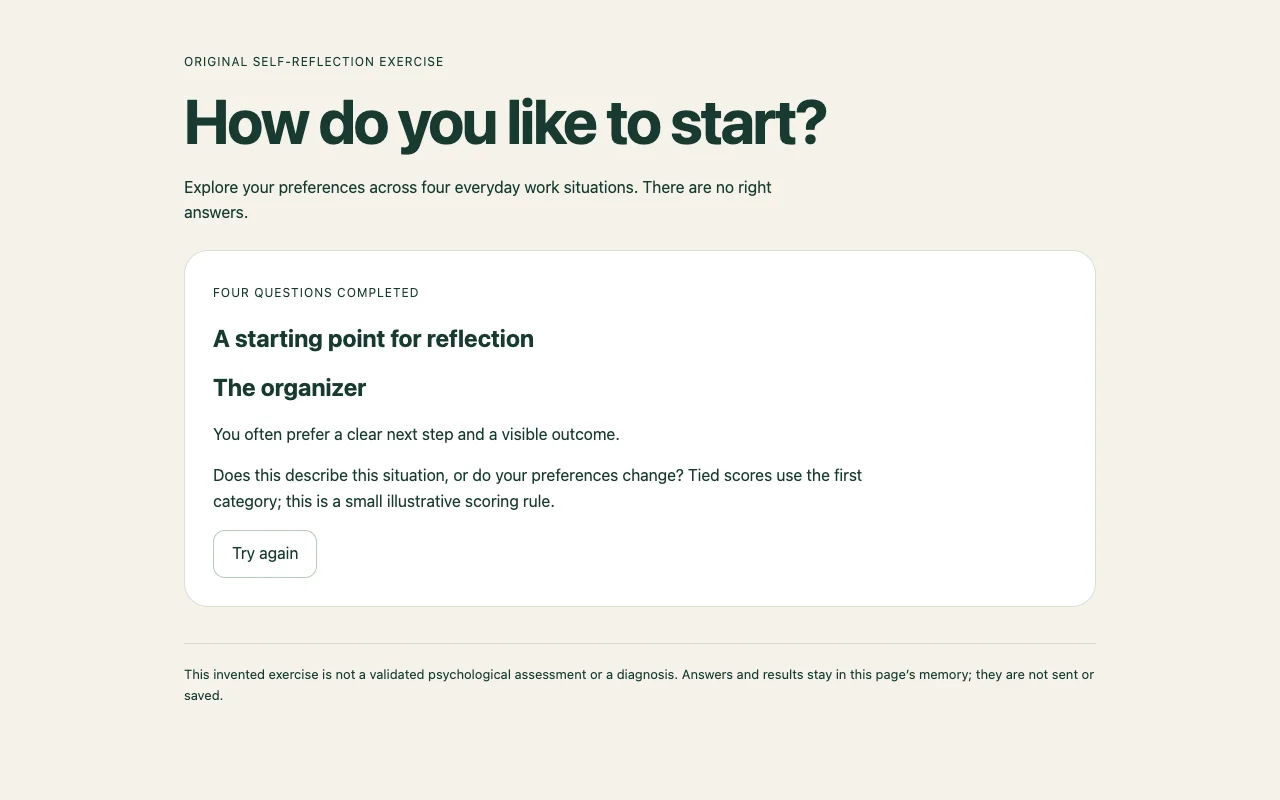
Our original Work Style Explorer asks four preference questions and returns a small reflection prompt. It is an invented learning example, not a validated psychological assessment or diagnosis. Its result is calculated in the browser and disappears when the page reloads.
Make the questions and scoring inspectable
Choose one modest outcome. For a learning quiz, explain the concept behind the answer. For a preference exercise, say how the response becomes a result and avoid treating a few choices as a definitive judgment about a person.
In our example, each answer adds one point to one of three categories. The largest count selects the result; a tie selects the first category. This rule is visible in the source. The participant can reflect on it rather than mistake it for an opaque professional assessment.
Before publication, test an unanswered question, different answer combinations, tied scores and restart. Check keyboard focus and readable results at phone width. Remove invented testimonials, claims of accuracy or sensitive sample records.
Publish the result as a usable page
Use a complete HTML document or finished static ZIP. If an AI tool returns framework source, complete the required build first. Include all resources the page references and remove keys or private records.
Publish the intended version, then open the visitor address separately from the owner workspace. Complete the exercise on a phone and confirm that its result and limitations are visible. For a continuing exercise, account for the hosting lifetime: DeployHTML Free lasts 24 hours.
Save answers only through a configured receiver
The supplied example does not send answers. If collection is needed, define the fields, explain the purpose and configure an appropriate receiving service. On eligible DeployHTML Pro projects, declared form fields can be collected through the configured form workflow.
Submit an invented test value as a visitor and find it in the owner’s records and CSV. Test required fields and failed submissions. A local result, a screen saying “saved,” and a server receipt are different evidence. Collect only the information needed for the stated task.
Use access codes for the whole private site
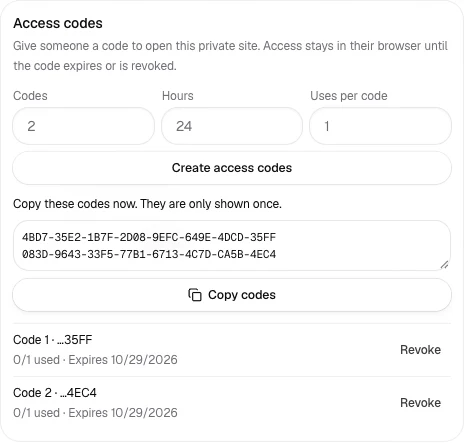
On Pro, set the project to Invite only. In its sharing controls, create access codes with an expiry and allowed number of redemptions. Copy them when shown: the owner list keeps usage information, not the full codes. A visitor enters a code on the private-site gate.
The code grants that browser access until expiry or owner revocation. Used-up codes cannot create another grant, while a browser already granted access can return during its valid period. Revoke a test code and verify an already-open visitor loses access on the next request.
This protects the whole project. It does not sell a result, identify the participant or keep client-side scoring secret from an authorized reader. A private paid report requires suitable payment confirmation and server-side delivery; do not merely hide it in HTML.
Separate a demonstration from a service people can trust
If you are exploring a side project, first share an honest sample and ask what recipients find useful. Treat feedback, completed submissions and payments as different outcomes. The examples here do not establish revenue or a professional assessment service.
Keep one project URL for revisions. Retest the exercise, stored records where applicable and restricted access after each meaningful change. If the task needs private user accounts or a database beyond declared form answers, design that backend explicitly.
Put it into practice
Your next link starts here.
Try the original example, then publish your own static files.