
Launch a side-project page and collect real interest
Put one small offer online, distinguish a demonstration from real inquiries, and verify feedback or form receipts before calling a page a working lead channel.
DeployHTML team · 6 min ·
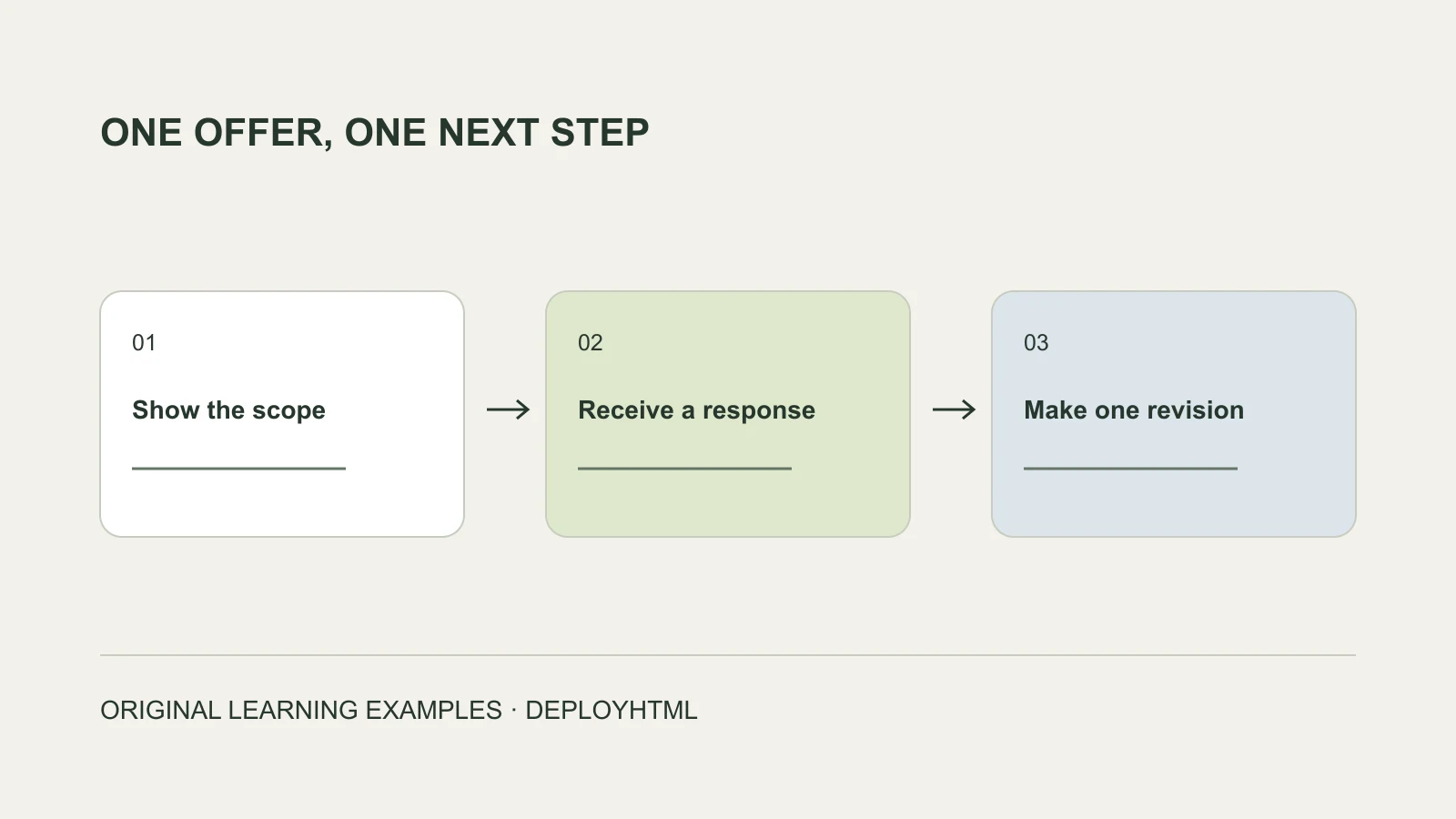
Start with one offer and one observable next step
To test a side-project idea with a page, explain one specific offer, publish a browser-ready version and decide what a useful response looks like. A visit, a question, an inquiry and a payment are different signals.
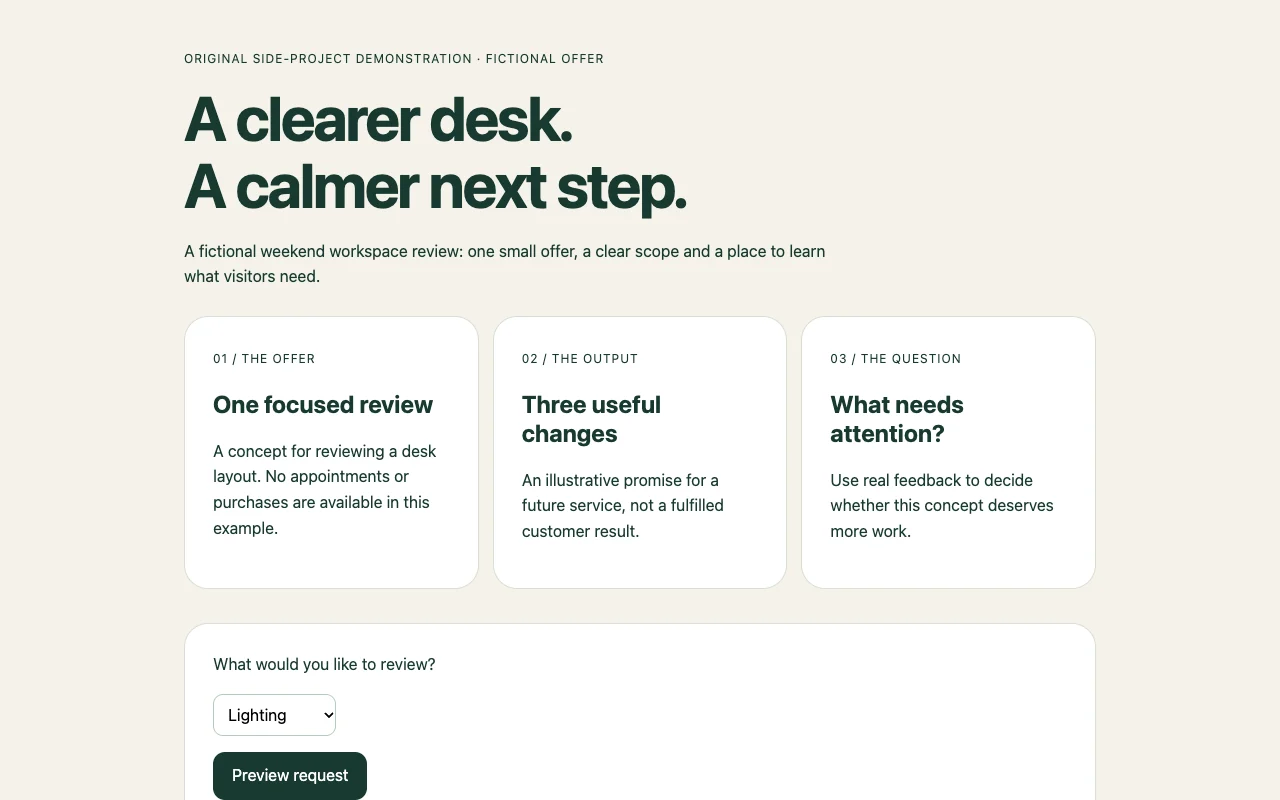
Our original Clear Desk page is a fictional workspace-review concept. It demonstrates an offer, scope and a request preview. Nothing is booked, sent or charged. This makes the visual example useful without implying an unfinished service is already operating.
Make the first version small enough to verify
Choose one audience and one task. A creator might show a sample result, a freelancer might explain a focused service, and an organizer might present an event concept. Use your own legitimate offer and material you are allowed to publish.
Explain what happens after the main action and what remains a demonstration. Replace invented prices, testimonials and availability with verified information before offering a real service. Do not make the browser show “booked” when no scheduling or receiving system exists.
The sample asks which part of a workspace needs attention. Preview request changes the local message and explicitly says nothing was sent. For an operating inquiry channel, connect a verified receiver instead of renaming that message “success.”
Publish and inspect the visitor experience
Prepare the finished HTML or static ZIP, including its images and scripts. Publish the intended version and open its visitor address in another browser session. Read the offer on a phone and try the action with invented test content.
Account for the campaign duration. DeployHTML Free requires an account and provides a 24-hour link; re-uploading does not restart its clock. A continuing offer needs a suitable ongoing hosting plan and a plan for updating or withdrawing it.
Collect a useful comment or a structured inquiry
For an early concept review, a visitor comment may answer the main question. Eligible paid DeployHTML projects can enable feedback; send a test comment from a visitor session and verify the owner receives it.
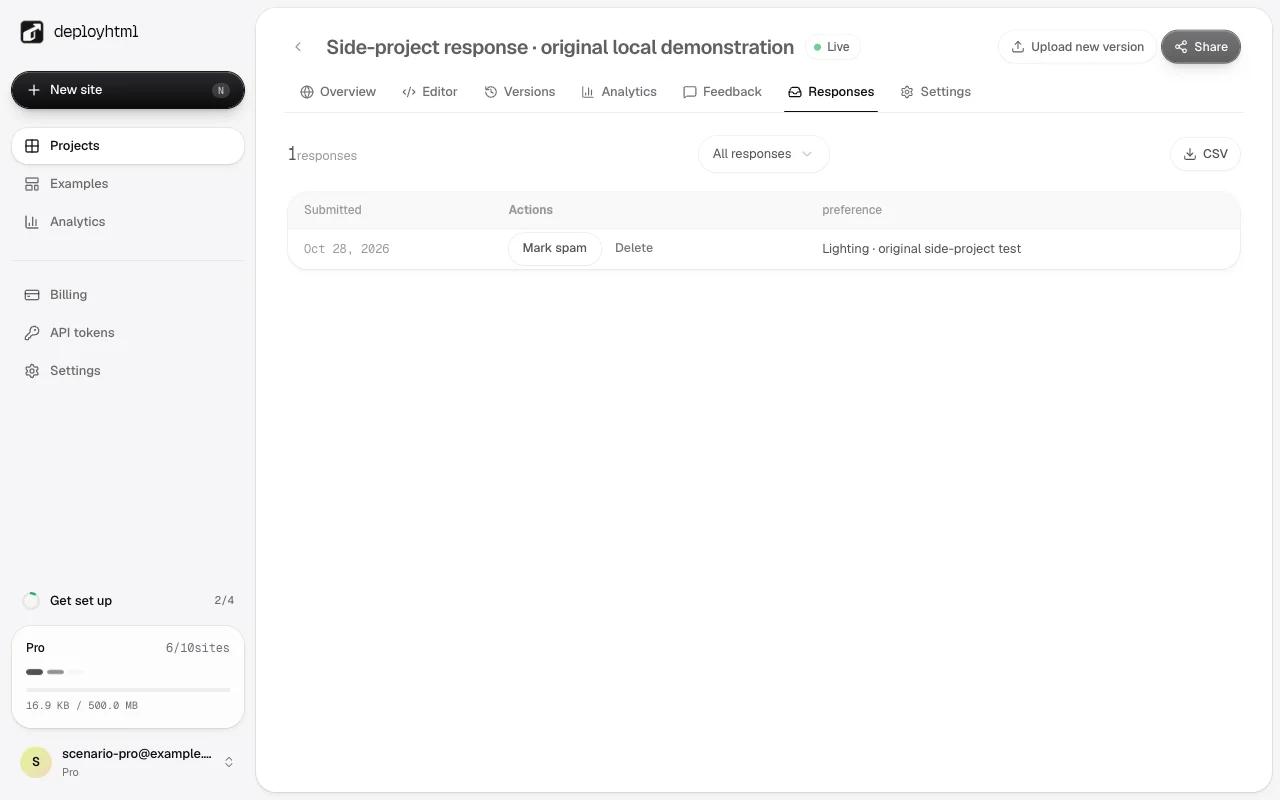
For structured inquiries, configure declared fields and the collection notice on a suitable Pro project, then put the returned form ID in the HTML. Submit an invented preference and locate the same answer in the owner response list and CSV. The screenshot shows our actual local configured test, not a customer lead or a completed booking.
Use measurements that match the decision
Write down the decision before interpreting counts. Visits can show that people opened the page; they do not establish demand or revenue. A saved inquiry is stronger evidence of a deliberate response, but still not a paid order.
Compare the questions visitors ask with the action they attempt. If you compare two versions, keep track of the version and source, define the relevant outcome and inspect whether comparable visitors had the same opportunity. Existing traffic statistics do not automatically create a native randomized A/B experiment.
If access is limited to invited reviewers or distributed codes, test the actual restricted URL and revocation. Access controls organize delivery; they do not perform payment confirmation or establish that somebody purchased the offer.
Revise the same page around what you learned
Make one useful change: explain the scope, show a clearer example or remove an unnecessary field. Publish to the same project and recheck the visitor address, receiving records and any access restrictions.
Keep a short record of the offer version, where its visitors came from and the outcome you can actually observe. Continue, change direction or stop based on the evidence needed for your decision. This guide provides a testable workflow, not a promise of side-project earnings.
Put it into practice
Your next link starts here.
Try the original example, then publish your own static files.