
How to publish an HTML game and share it with friends
Publish a portable HTML game, test touch and keyboard controls, and share a real visitor link. Try an original ten-move game and download its complete source.
DeployHTML team · 6 min ·
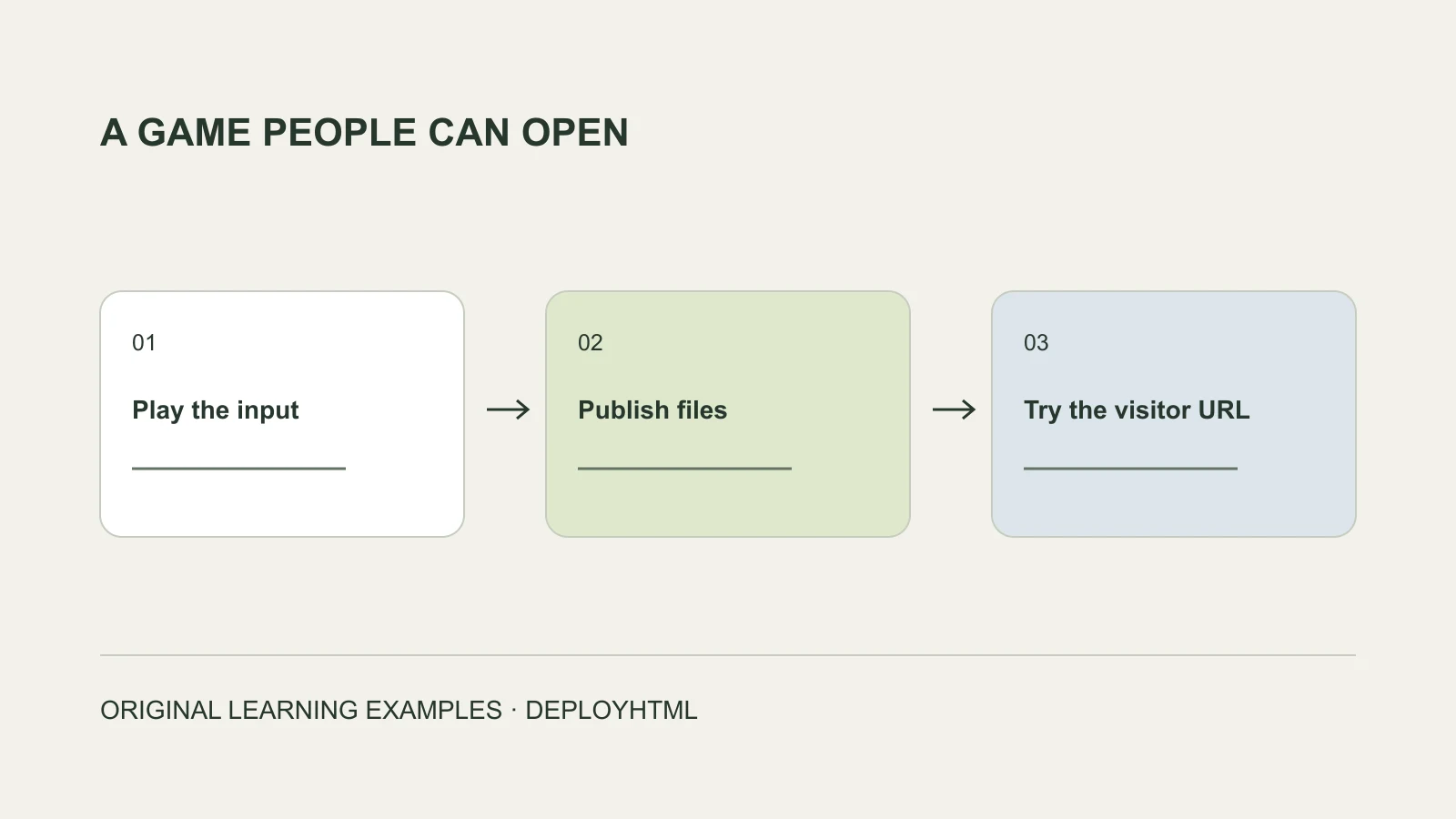
Start with a game that runs in the browser
To publish an HTML game, prepare a complete browser-ready document or static package, upload it to a suitable host, and test the resulting visitor address. A source folder that needs an engine or build step is a different input.
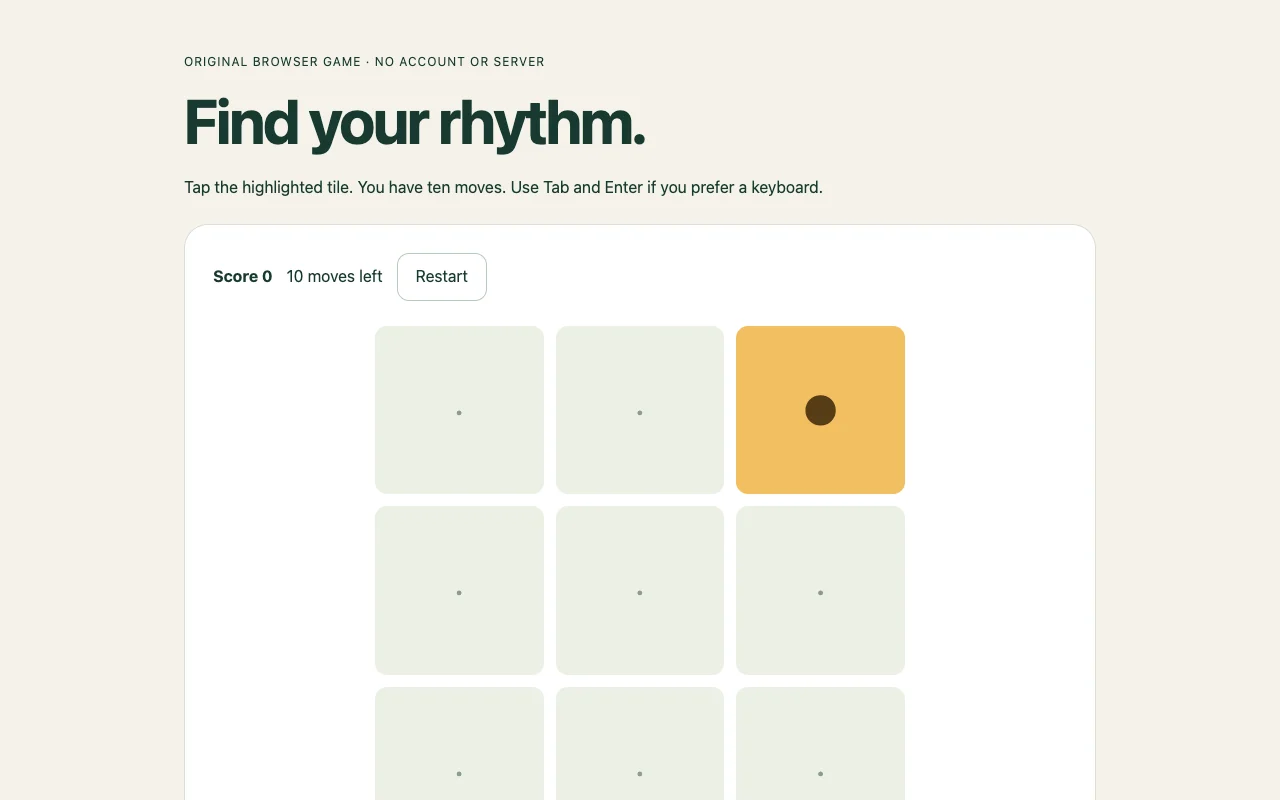
Our original Pattern Sprint is a small ten-move game: tap the highlighted tile, receive a score, and restart. It needs only one HTML document. That makes it a useful first deployment check before trying a larger project.
Play the actual input before uploading
Open the supplied HTML in a browser. Complete a round, make an incorrect move, and restart. Try Tab and Enter as well as touch or pointer input. Write down what should survive a reload: this example deliberately resets its score.
When asking an AI assistant to make a game, request a complete static deliverable and a dependency list. Check images, sound, fonts and scripts. Use material you have permission to distribute. A model’s description of a working game is not a substitute for playing its output.
index.html
assets/
  game.js
  style.css
  sprites.webp
Package the game the visitor will receive
A self-contained HTML document can include its styling and browser JavaScript. Otherwise, ZIP the finished files while preserving their relative paths. Keep one clear entry page. Do not include server credentials, hidden configuration or node_modules.
Different game exports have different requirements. A Canvas game made from HTML and JavaScript is not the same as a Unity, Godot or WebAssembly export. Check file types, sizes, required headers and engine instructions with your actual package before choosing a host.
Publish and test outside the owner session
On DeployHTML, open HTML to link, upload the finished HTML or ZIP, sign in and publish. Open the visitor URL in a separate browser session. Check the first screen, complete a round, restart and reload the address directly.
Choose hosting around the planned audience and lifetime. DeployHTML Free requires an account and lasts 24 hours from activation; re-uploading does not restart that period. A continuing game needs a suitable ongoing hosting plan. Vercel also documents static HTML/CSS/JavaScript deployment; compare the workflow around your own files rather than assuming one provider is always required.
Check the phone experience and explain the score
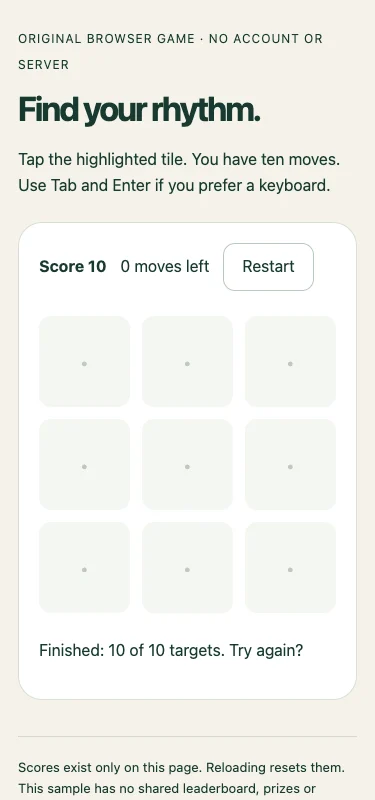
We completed the supplied game with deliberate moves and checked its narrow layout in a browser. The screenshot shows the actual result. For your own game, also check tap targets, readable instructions, viewport size, sound controls if used, and recovery after changing tabs.
A local score is useful for a practice game, but visitors can inspect or modify browser code. Shared rankings, prizes, authenticated players and multiplayer require separately designed services. Publishing the HTML does not make its score authoritative.
Put it into practice
Your next link starts here.
Try the original example, then publish your own static files.