
Share links and control access
Use a website URL, QR code or the access controls included in your plan.
Share the website URL
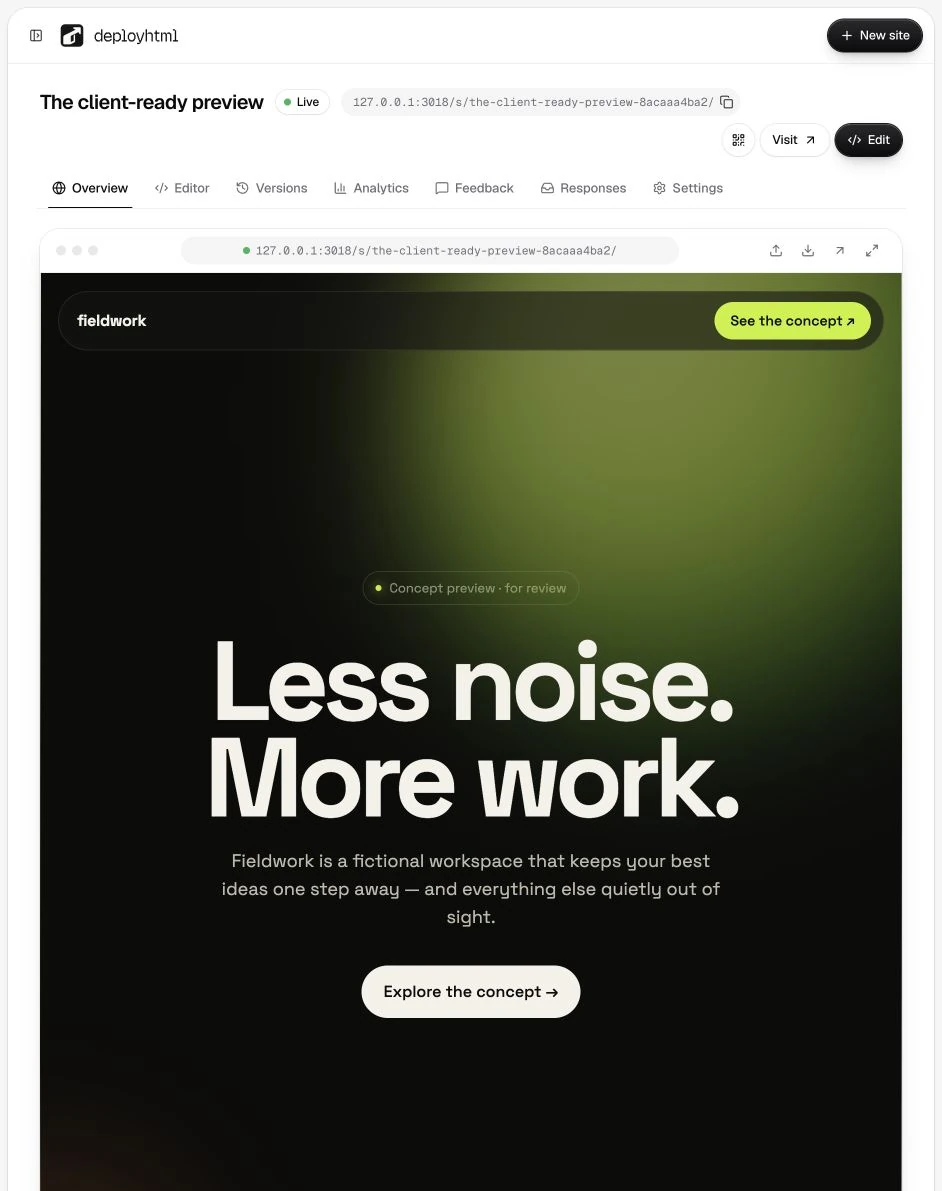
After publishing, copy the site link from the project. Use the QR-code control when someone will open the page on a phone. Test a public link in a separate browser session before sending it.
Give the recipient a clear task: review a heading, try a calculator or answer a practice question. For an example, explain whether the interactions use sample data or save real responses.
Choose the address
Every new site gets a short random address. Open Share and select the pencil, or use Settings → Address, to choose your own. Addresses use 3–40 lowercase letters, numbers or single hyphens and must be unused; the check runs as you type. Changing the address stops the old link from working, so update anything you already shared.
Choose who can open the site
Pick one access mode in Share or Settings:
- Public — anyone with the link.
- Password (Basic and Pro) — visitors enter the password you set.
- Invite only (Pro) — only people who open an expiring invitation link.
- Email to view (Pro) — visitors enter an email address first; the owner can download the list as CSV. Tell visitors why you collect it.
Paid plans can also hide the site from search engines and stop other websites from embedding it. Test the chosen rule in a separate browser session; your owner session is not proof that a visitor can or cannot enter.
A password restricts access to delivered files. An authorized visitor can still inspect HTML, JavaScript and client-side datasets. Do not put private credentials or secrets into those files.
Invitations on Pro
Use Pro's expiring invitations with Invite only, or to let specific people past a password. Treat invitation links as access-bearing links: share them only with the intended recipients and test their expiry/revocation behavior. They do not create authenticated end-user accounts for the hosted page.
Custom domains
Custom domains are currently coming soon. Use the published DeployHTML URL rather than planning a launch around a domain connection that is not available.
For long-lived sharing, review plans and expiration. For an update that keeps the address, read versions.
Last updated on