
Claude vs Gemini vs ChatGPT for HTML: preview, export and share
Compare Claude Artifacts, Gemini Canvas and ChatGPT Canvas for sharing a generated webpage. Check native sharing, portable files and backend dependencies before hosting.
DeployHTML team · 8 min ·
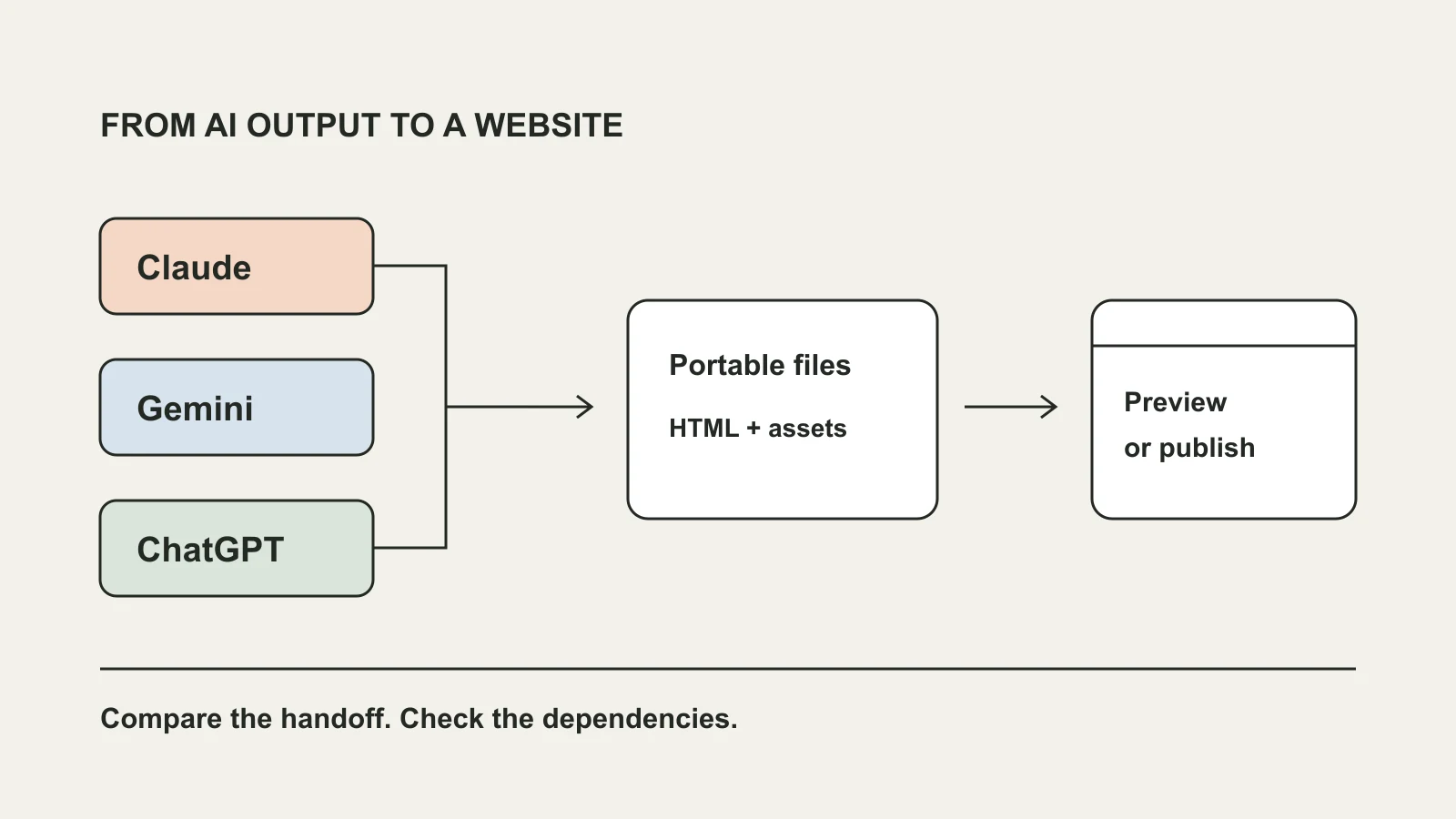
Choose the delivery workflow before choosing a winner
For a generated HTML page, the useful Claude vs Gemini vs ChatGPT comparison is what you can inspect, share and take with you. If a tool’s native sharing meets your audience’s needs, use it. For an independent website, check whether you have a complete static document or build, rather than only a preview link.
An assistant can help produce a client mockup, a small calculator or an interactive report. The brand name alone does not tell you whether the result is portable. Inspect its files, dependencies and behavior before deciding how to deliver it.
This guide compares documented sharing workflows, checked on October 27, 2026. It does not rank model quality, claim a speed benchmark or report a three-provider hands-on test. Features and access depend on your current account and workspace.
Claude Artifacts vs Gemini Canvas vs ChatGPT Canvas
All three have native ways to share supported work. Native sharing and publishing exported files serve different purposes: one keeps the result in its provider’s experience, while the other serves the files you have prepared independently.
| Tool | Native sharing | Before hosting the files yourself |
|---|---|---|
| Claude Artifacts | Sharing depends on the artifact type, plan and organization settings; legacy publishing follows separate rules. | Obtain an independent HTML document or static package. Do not assume Claude-powered actions or connectors travel with it. |
| Gemini Canvas | Canvas has Share & export controls and public share links for supported content and apps. | Inspect the available code or files. An app using provider features or stored data needs more than its visible interface. |
| ChatGPT Canvas | OpenAI documents sharing Canvas assets, including rendered React/HTML, through the Canvas toolbar. | Inspect the complete code. A shared rendered asset and a ready-to-host static package are different deliverables. |
When Claude’s sharing is enough
If your artifact’s current access settings suit the people reviewing it, a native link can be the simplest handoff. Review the share dialog rather than assuming every Claude link has the same audience or sign-in requirements.
For an independent site, obtain the actual static files. Follow the HTML-artifact guide for packaging and testing. If the result calls Claude or uses connected services, exporting the visible interface does not recreate those services on another host.
When Gemini Canvas sharing is enough
Gemini documents a Share & export flow for Canvas and the option to copy supported content. Review the app information when creating its public link, especially if the app shares data or uses Gemini-powered features.
For an independent page, inspect what your current Canvas interface lets you copy or export. Save a complete HTML document if that is the actual output, or ask for a static version. This is not a promise that every Canvas app has a one-click HTML export.
If the app relies on persistent storage or AI generation, decide whether to keep it in Canvas or configure an equivalent service separately. Uploading HTML does not migrate that state or create an AI backend.
When ChatGPT Canvas sharing is enough
If your recipient only needs the supported Canvas asset, check the native share option first. A shared conversation, a Canvas asset and an independently hosted webpage are different handoffs; review the content and audience of the link you actually create.
To publish files instead, use a complete HTML answer or obtain the finished static output. A React component containing package imports usually needs a build. Do not paste a conversation URL into a file uploader and expect it to import the application.
Ask for a portable deliverable
For a small review page, use the same requirements whichever assistant you choose. The request below is an original reusable brief, not a promise that every generated answer will satisfy it.
After receiving the result, check the files yourself. A form that displays “sent” may only change the screen; a convincing chart may contain sample data. Test the behavior you intend to promise to the recipient.
Create a complete index.html for a small client-review page.
Include CSS and browser JavaScript in the file.
Use a labeled example project and working local interactions.
Do not require a server, provider API key or private connector.
Explain anything that still needs an external service.
Make the layout usable on a phone.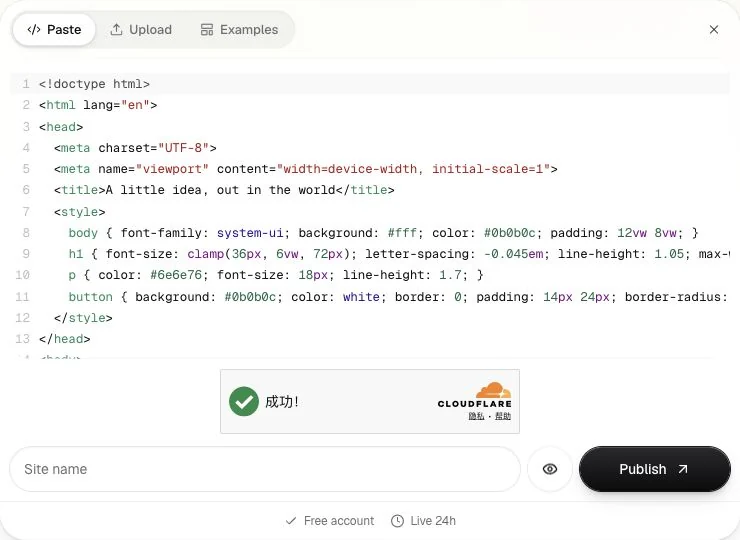
Publish the files and verify the result
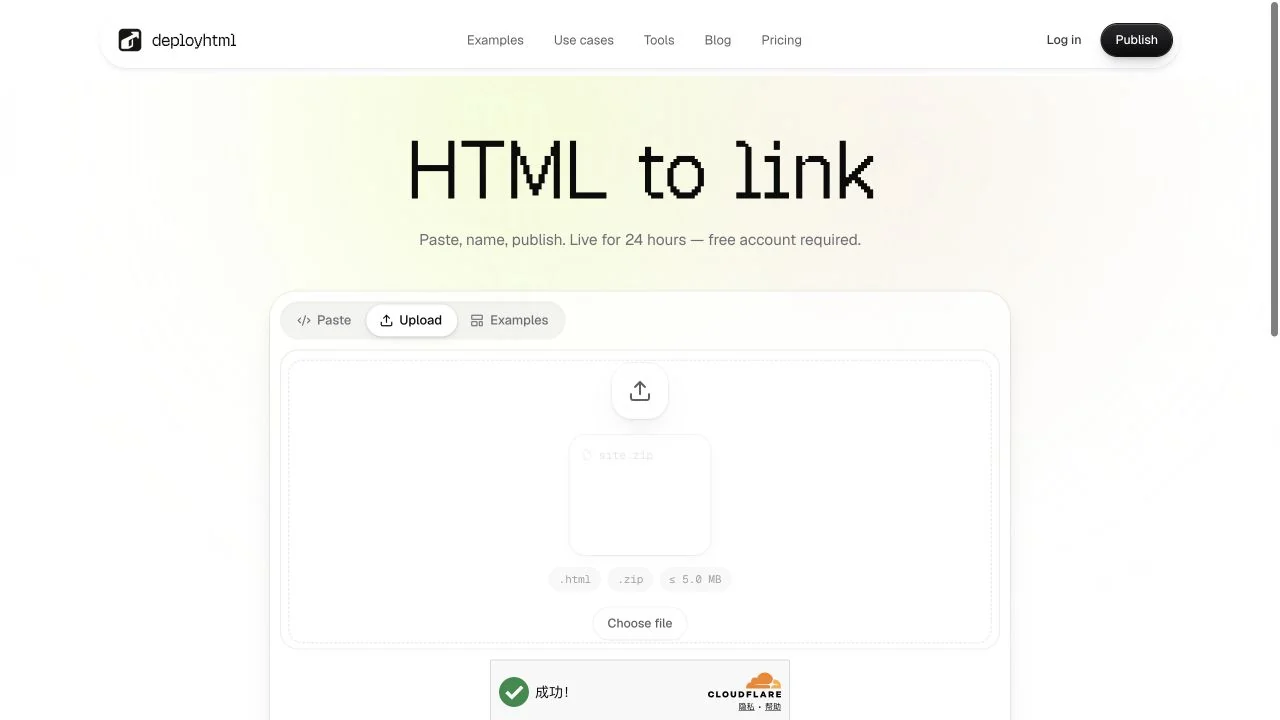
When you have a browser-ready document, open HTML to link and paste it, or upload its HTML file. Package separate images, styles and scripts in a ZIP. Sign in to publish, then open the returned URL in a separate browser session.
DeployHTML serves static files. It does not create the assistant’s runtime, execute Node or PHP servers, install your project’s dependencies or migrate a provider database. Free sites require an account, include a badge and stay online for 24 hours; re-uploading does not restart that lifetime.
Check images, links and the main interaction on desktop and phone. Keep updating the same project for later file revisions. If a provider-specific feature stops working outside its original environment, identify that dependency before claiming the hosted page is complete.
A practical way to compare your own results
Give the tools the same small brief and evaluate the deliverable you actually receive: is the code complete, are the interactions meaningful, are dependencies explicit, and can someone else open the result? Record the date and account conditions if you publish your findings.
For a provider-dependent application, staying with native sharing may be the right choice. For a portable static page, independent hosting can give your audience a direct browser URL. Choose around that requirement rather than a universal “best AI” label.
Put it into practice
Your next link starts here.
Try the original example, then publish your own static files.