
How to publish a Claude HTML artifact as a website
Export a static HTML artifact, include its assets, and publish a website link. Learn when Claude sharing is enough and what an export cannot carry with it.
DeployHTML team · 7 min ·

Choose between sharing the artifact and hosting its files
To publish a Claude HTML artifact as a standalone website, export a complete HTML document, include the files it needs, and upload those static files. Then open the resulting URL in a separate browser session to check what somebody else will actually see.
First decide whether you need independent hosting. Claude has its own sharing options, and they may already suit your audience. Available access settings depend on your plan, organization settings, and whether you are using the current or legacy artifact experience. A public artifact link and an exported website are different delivery choices; neither is automatically the right one for every project.
Hosting is useful when you want to deliver the page as files outside the artifact viewer. The page must be able to run independently in a browser. You are moving its HTML, CSS, images, and browser JavaScript, rather than moving Claude and all of its connected services.
Identify what Claude gave you
A file named index.html with a complete document is a different starting point from a React component full of imports. Look at the deliverable before choosing an upload method. Styling, a rendered preview, and a convincing demo do not establish that the export is self-contained.
- One complete HTML document: save it as index.html and open it locally.
- HTML with separate CSS, JavaScript, images, or fonts: keep the files together and prepare a ZIP.
- A React component or a project with package dependencies: build a static output, or ask for a self-contained HTML version.
- A page that depends on Claude, connectors, a database, or a running server: identify and replace or separately host those dependencies before expecting the export to work.
Ask for a portable static version
For a small calculator, client concept, or interactive explanation, ask for one complete HTML document. This makes the publishing boundary easier to understand. The following is an original request you can adapt; it is not a guarantee about the generated result.
After receiving the file, inspect it for external requests and placeholder behavior. A button that changes the screen can be a useful prototype, but it does not prove that an email was sent, a payment was made, or a record was saved. Label demonstration data so readers know what they are exploring.
Create a complete, self-contained index.html for this page.
Include its CSS and browser JavaScript.
Use clearly labeled sample data.
Do not put secrets or API keys in the browser.
Explain any feature that still needs an external service.
Save the HTML and package its assets
If the artifact offers a file download, inspect what it contains. Otherwise copy the complete HTML into a plain-text file named index.html, without Markdown code fences. Open it in a browser and exercise its main action before uploading it.
If the document references ./assets/chart.webp, your package needs that exact file with the same capitalization. Keep CSS, scripts, images, and fonts inside the ZIP using their expected relative paths. Do not ZIP your entire source repository, node_modules, hidden configuration files, or credentials.
For framework projects, upload the completed static build output. Source files that need a development server are not a finished static website. The ZIP guide explains entry files and common missing-asset problems.
index.html
assets/
  styles.css
  app.js
  chart.webp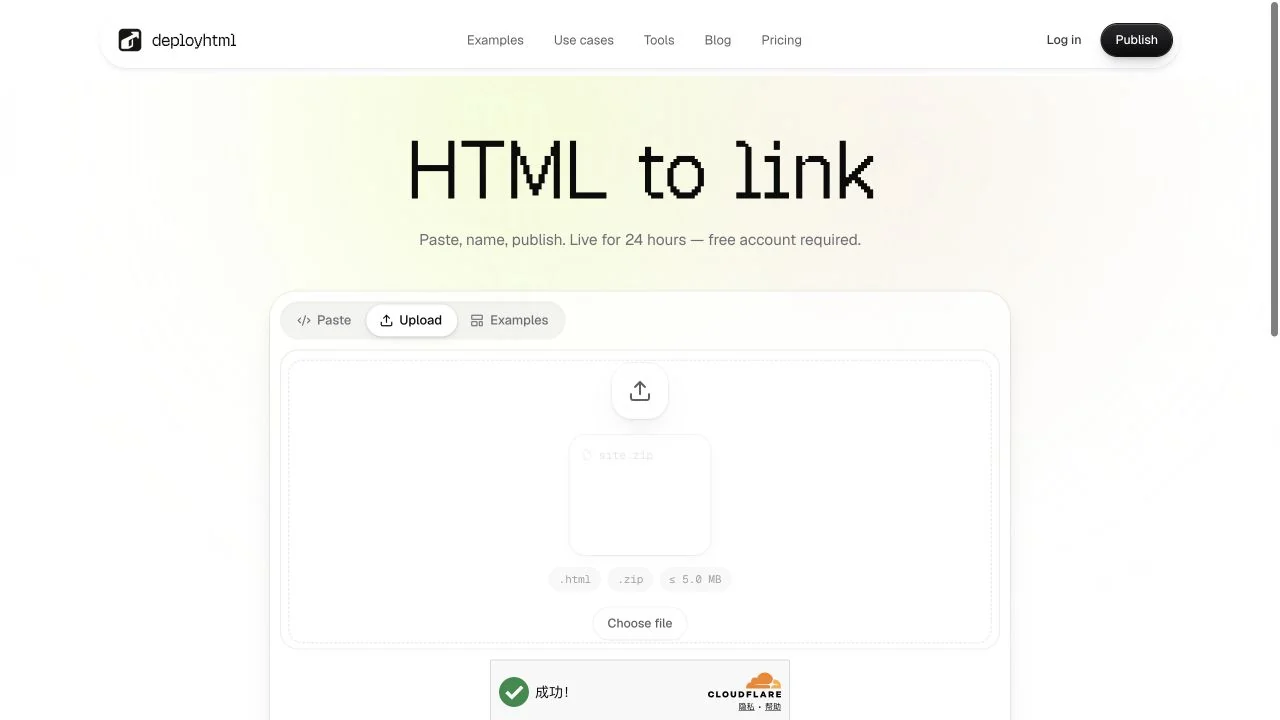
Publish the exported files with DeployHTML
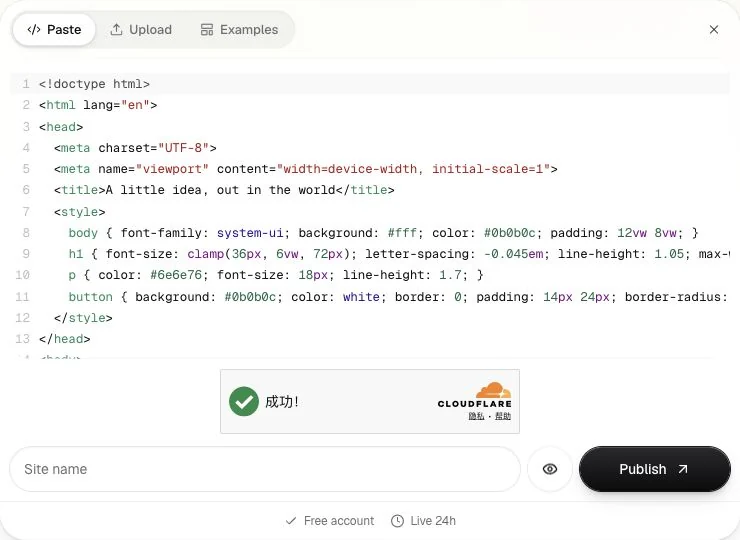
Open HTML to link. Paste your complete document, or choose Upload for a file or ZIP. Give the page a recognizable name, preview it, and sign in when prompted to publish. Copy the website URL returned after publishing.
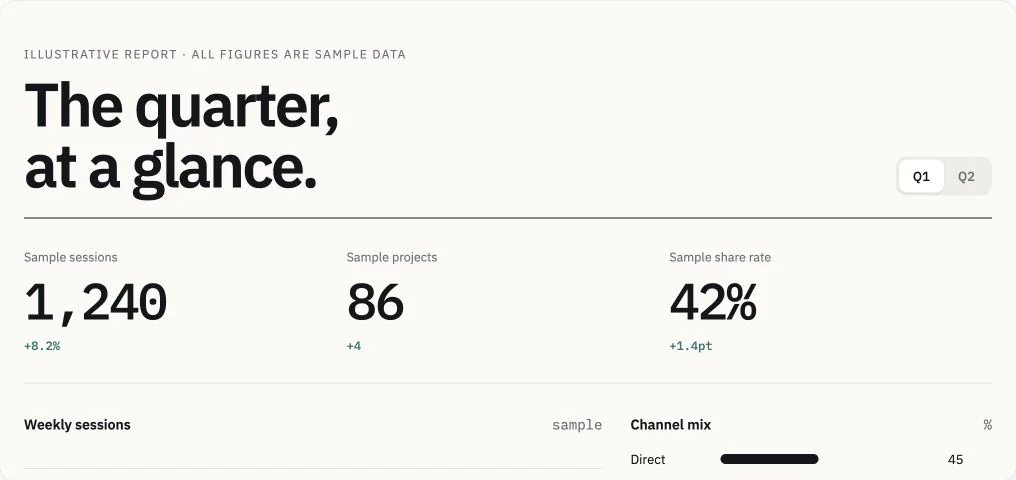
The screenshots in this guide use DeployHTML’s own original static sample to show the publishing interface. They do not depict a Claude account or claim that every artifact can be exported in the same way.
A Free account is required. Free sites stay public for 24 hours and include the DeployHTML badge. That is useful for short-term sharing. An ongoing portfolio or long-running resource needs an available hosting plan with a suitable lifetime. DeployHTML serves static files; it does not install project dependencies or run a Node server for each uploaded page.
Test the website as a visitor
Open the published URL in another browser session and on a phone. Check that images, fonts, and scripts load, navigation opens the intended page, and every important control behaves as its label promises. A sandboxed preview is useful for layout; it is not proof that an external integration works on the public site.
For a budget calculator, try an ordinary case such as 4 hours at 75 per hour, which should produce 300 in the selected currency. Then test an empty field and a negative value. This is a hypothetical testing example, not a customer result. For a dashboard, verify that its data is labeled and the filters produce the expected view.
A form needs a working collection service before you can claim it saves responses. A success message by itself is insufficient. Claude-powered or connector-powered actions also need a supported integration outside Claude; static hosting does not supply that environment.
Make revisions without sending a different link
When you receive a revised file, update the project you already published. That keeps the address useful to a client or teammate who has bookmarked it. Use a separate project only when you deliberately need a separate website.
On Free, re-uploading during the original 24-hour lifetime does not restart the expiration clock. Basic adds private drafts, an online editor, and retained versions. Check the update workflow before relying on those features for a review cycle.
What about artifact URLs and React exports?
This workflow accepts exported HTML or a ZIP. It does not describe automatic importing from a Claude artifact URL. If all you have is a viewer link, return to the artifact and identify which files you can export.
A React source component usually needs a build environment. Upload a completed static build or request a self-contained HTML version. Applications that depend on a server, private connectors, or AI credentials need those services separately. Once you have a static deliverable, the publishing steps are the same regardless of which AI tool helped create it.
Put it into practice
Your next link starts here.
Try the original example, then publish your own static files.