
Collect visitor feedback
Enable the built-in feedback widget and review comments privately.
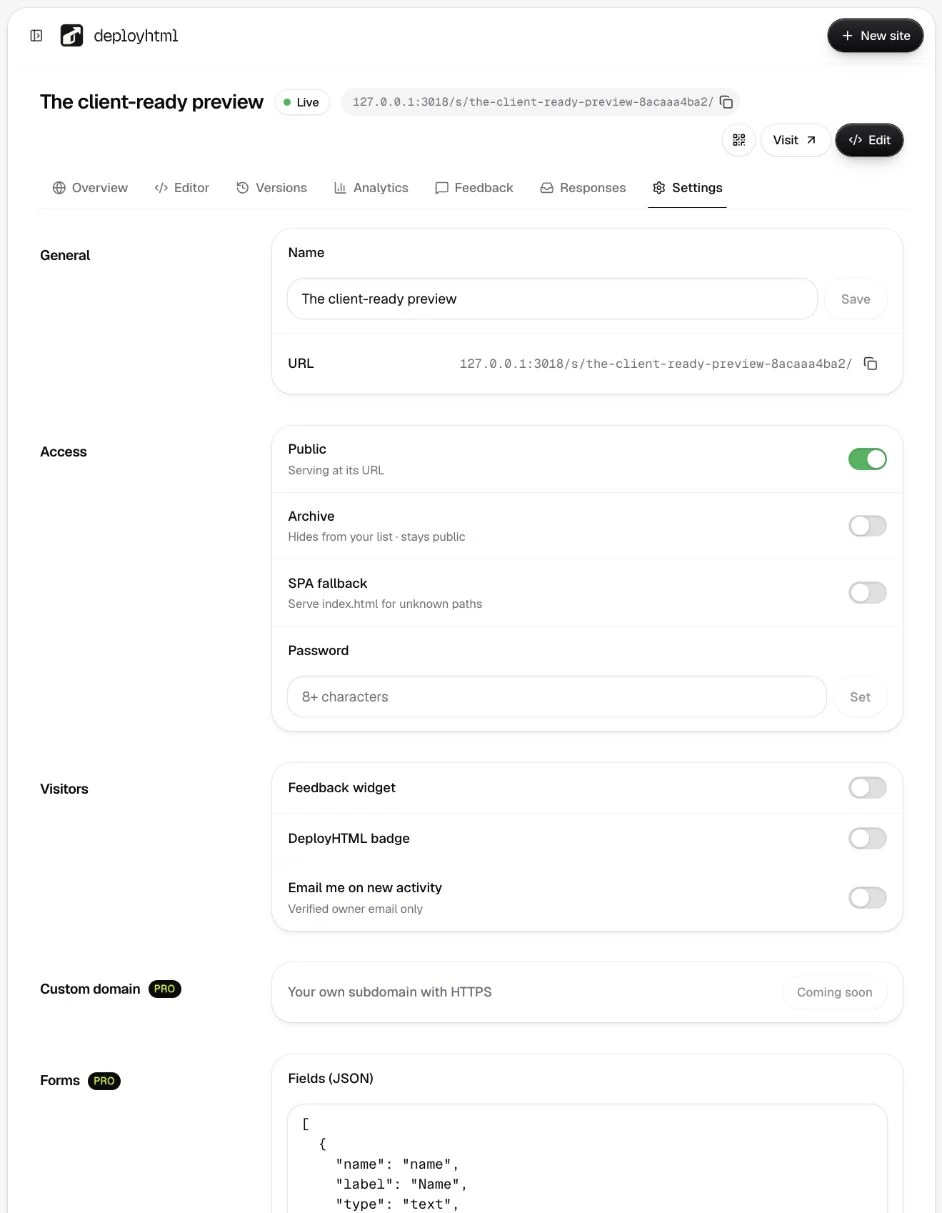
Enable Feedback mode
Basic and Pro include general visitor feedback. Open the project's Settings and enable Feedback mode. The widget is injected when the site is served, so a new HTML upload is not required just to turn it on.
Try the visitor flow
Open the published site separately and leave a test comment with an optional alias. Visitors do not need to provide an email address. Production intake uses rate limits and a security check.
A comment is different from a structured research response. Use forms if you need schema-validated fields and CSV exports on Pro.
Review privately
Open the project's Feedback tab. Comments are available to the owner rather than displayed as a public discussion. Resolve a comment when handled, or leave a private owner note. Owner notes are not emailed to visitors.
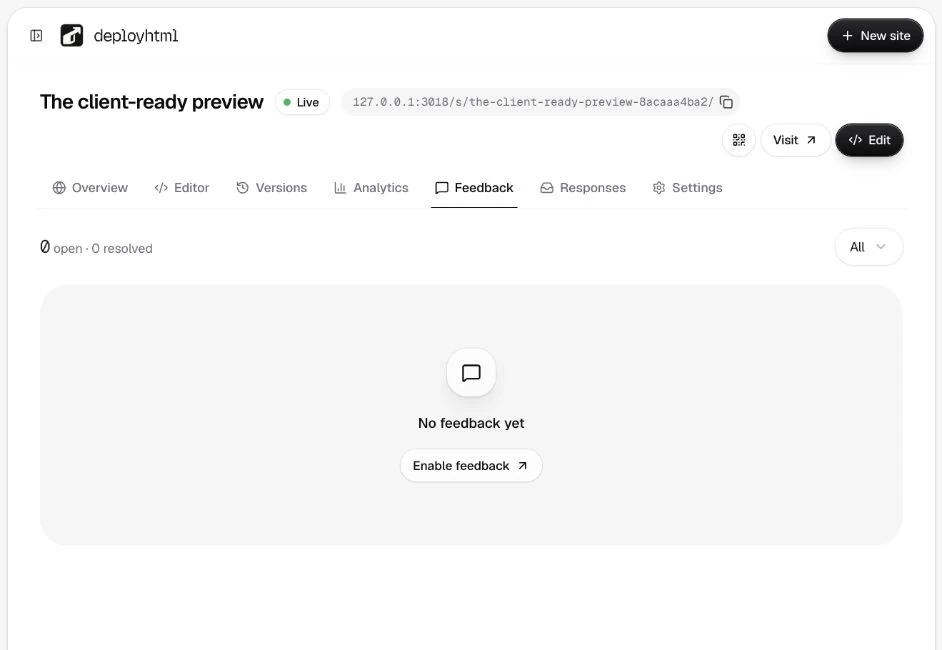
The record includes context such as deployment, page path and time. Feedback from an older deployment can be marked potentially stale after an update. Interpret a comment alongside the version the visitor actually saw.
Stop new comments
Disable Feedback mode to stop new intake. Do not promise replies to respondents or automated visitor emails from this feature. For account issues, use workspace support.
Last updated on