
Create and share a small interactive HTML quiz
Build a quiz with browser scoring, useful answer explanations, and a clear distinction between local results and saved responses.
DeployHTML team · 4 min ·
Define a small learning outcome
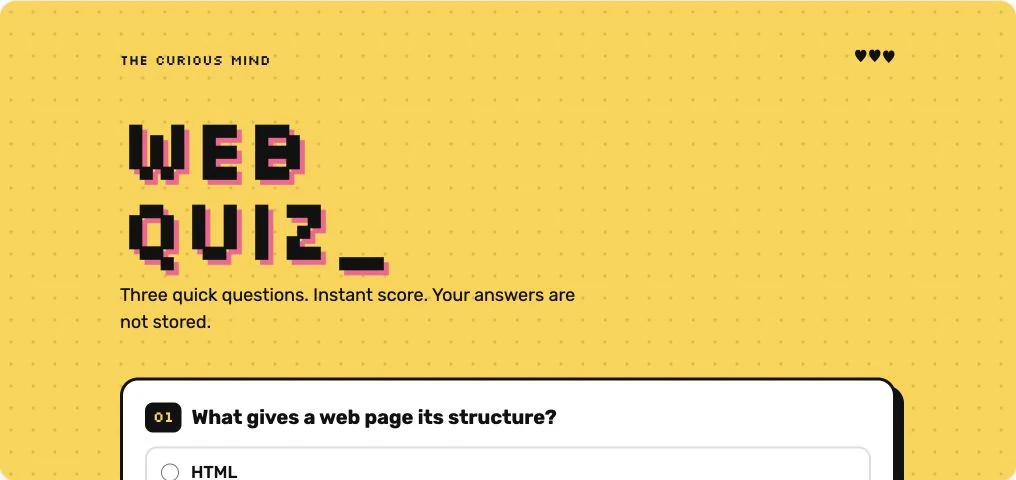
A quiz works best when its questions reinforce a specific idea. Start with a few questions that reveal a common misunderstanding. Give each radio group a clear question and ensure it can be answered using a keyboard.
The original DeployHTML knowledge-check example has three questions and deterministic browser scoring. It can be used without a student name or account.
Show what the result means
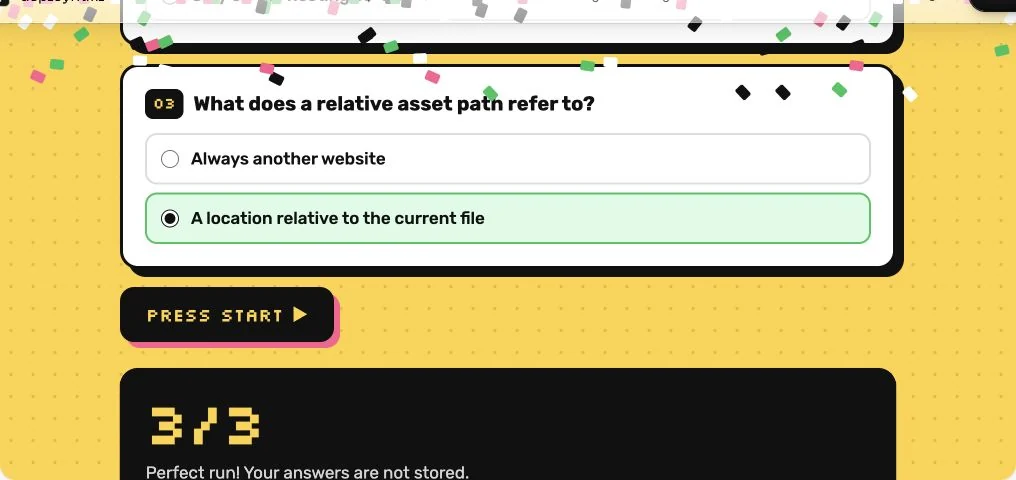
A score alone provides little direction. Add the correct concept or an explanation after scoring so the participant can learn from a missed answer. Test all-correct, all-incorrect, and incomplete answer paths.
Local scoring is appropriate for practice. Answers and answer keys are present in browser code, so it is not a secure examination system. Do not claim otherwise.
Decide whether scores need to be stored
In the Free example, the result exists only in the browser. Reloading starts over. No teacher dashboard silently receives those answers.
When collection is needed, connect and verify a suitable service with a clear notice and the minimum necessary participant data. Check current Pro availability before planning around DeployHTML’s form collection. A self-declared name is not an authenticated identity, and hosted end-user accounts are outside the launch scope.
Put it into practice
Your next link starts here.
Try the original example, then publish your own static files.