
Publish an AI-built interactive portfolio with working assets
Take an AI-built portfolio from source to a visitor link. Try an original CSS 3D example, check project interactions, and separate browser effects from backend services.
DeployHTML team · 6 min ·
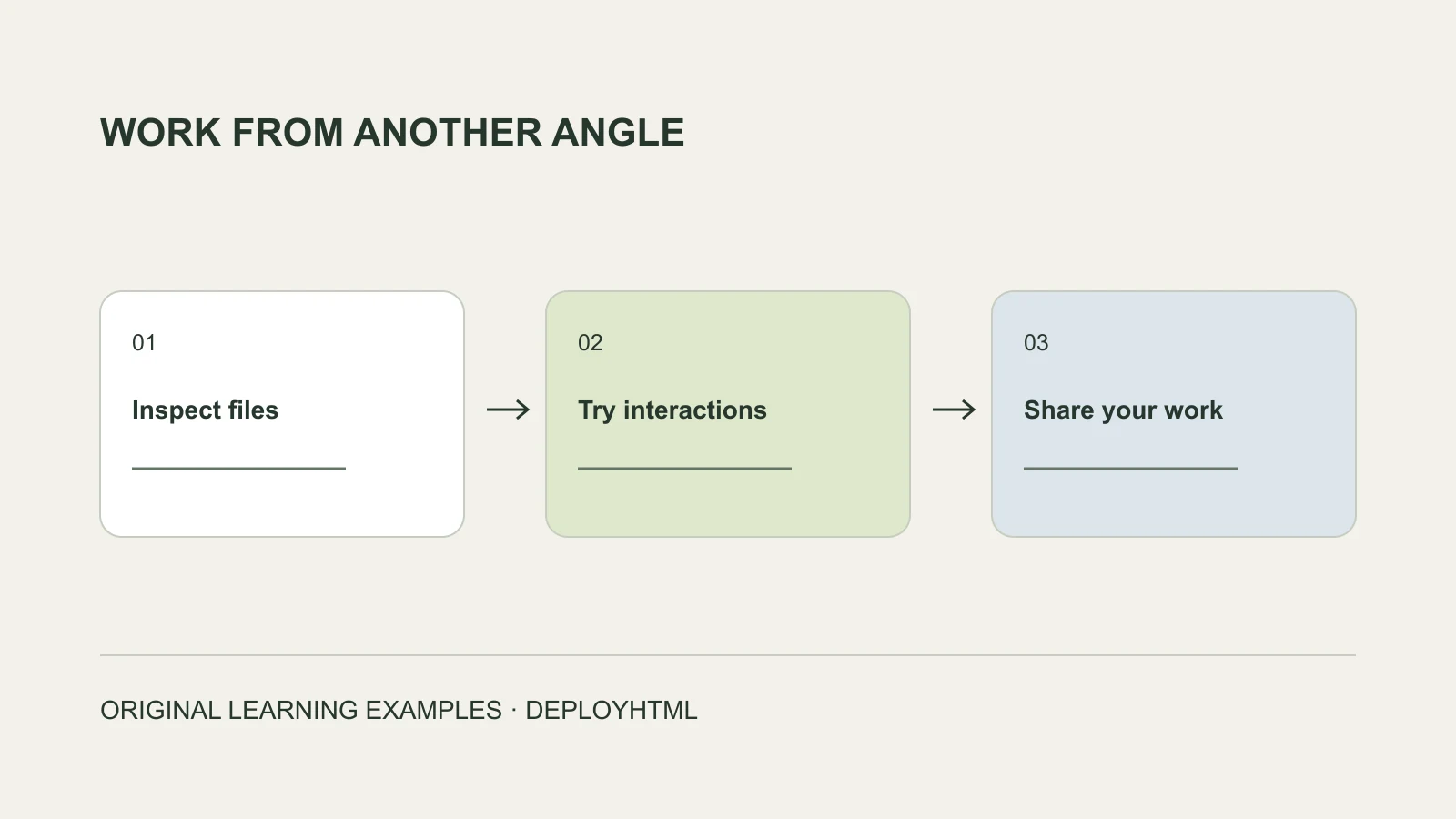
Carry the portfolio, not only its editor preview
To publish an AI-built interactive portfolio, get its complete browser-ready files, include the required assets, and test a real visitor URL. A good-looking preview inside an AI tool does not show that its export includes every dependency.
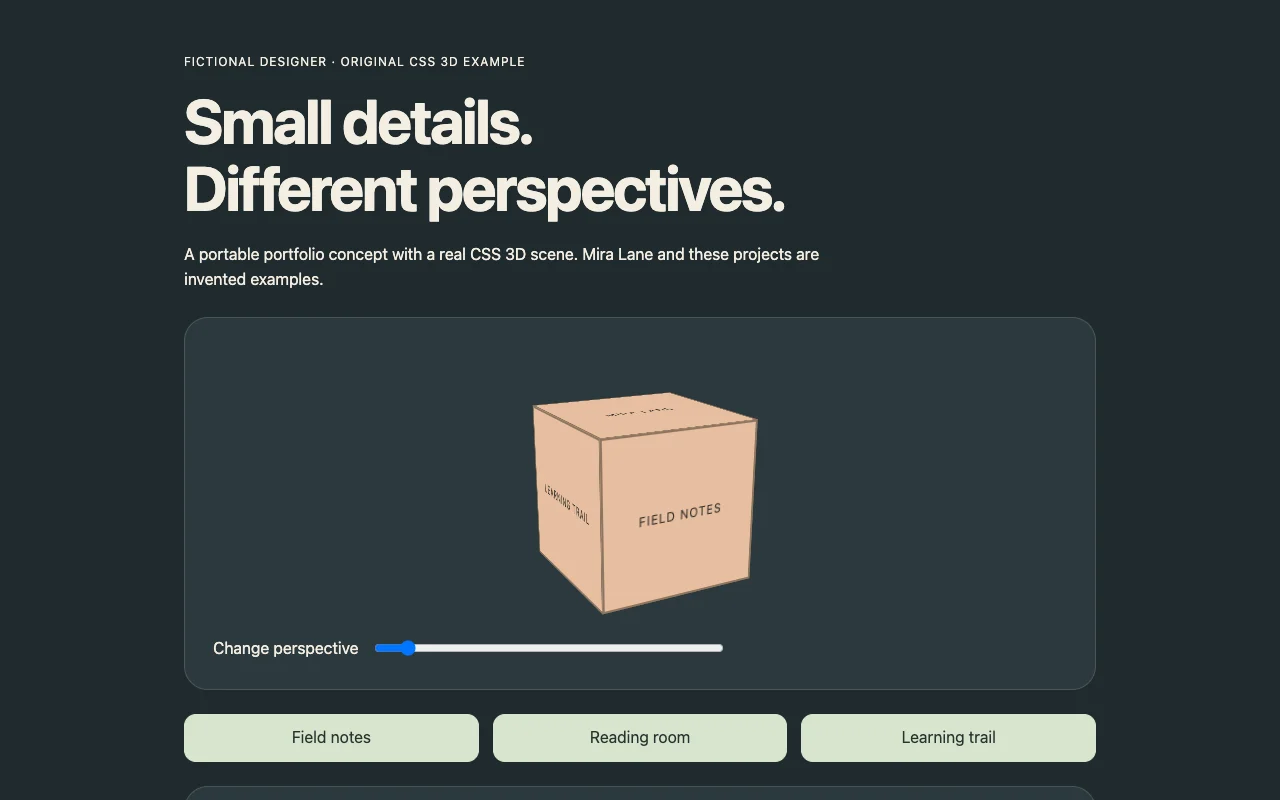
The original fictional Mira Lane portfolio in this guide uses CSS 3D transforms, a perspective control and selectable project details. It is one portable HTML document. No model download, AI chat or server is needed, so its behavior is easy to inspect.
Choose interactions that help the reviewer
Start with what the reviewer should learn about your work. Show the project’s task, your role, an inspectable result and its current status. An animation should support that understanding rather than hide the useful text.
Our fictional projects are labeled as design exercises, not shipped client work. The project buttons update a readable detail section; the scene has an accessible perspective slider. Replace the invented content with your own authorized work and verified role descriptions.
If you use ChatGPT or another assistant, request a dependency list alongside the export: static files, package/build requirements, model assets, fonts, external libraries and any server calls. A description of an interaction is not proof it survived export.
Distinguish CSS 3D from a 3D engine export
CSS transforms can give ordinary elements depth without a model file. WebGL libraries, imported models and game-engine exports can have different file-type, loading and header requirements. Do not treat all of them as the same deployment input.
The supplied example tests the CSS route only. For a GLB/GLTF, WebAssembly or engine-based project, confirm the host accepts the exact files and supports the required runtime conditions. In particular, test the original package before promising that every AI-generated 3D export will upload unchanged.
Publish the static package and check direct visits
For a single self-contained page, publish its HTML. For a multi-page or built site, include the finished output with its directories intact. Check a nested project page directly, not only by clicking from the homepage.
On DeployHTML, sign in, publish the intended files and open the visitor URL outside the owner session. Test each project button, perspective control, navigation and any download. Use a separate verified workflow for a contact form rather than assuming the visible input saves inquiries.
Use the phone as a real reviewer would
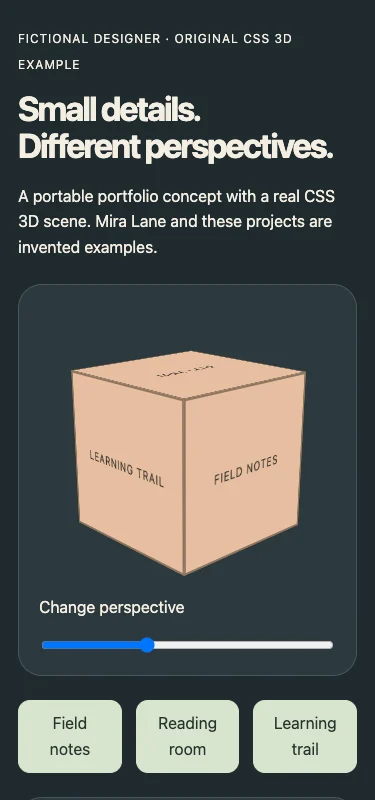
We changed projects and checked the original example at 375px width. Its text and controls remain available without an external 3D asset. The screenshot records that browser check; it is not evidence of compatibility with every device or engine.
For your own portfolio, test readable content, touch targets, reduced motion and a useful fallback when an effect is unavailable. Compress authorized assets carefully and check whether a large visual delays the project information the visitor came to read.
Choose a link lifetime suitable for applications
A quick feedback session and an ongoing professional portfolio have different hosting needs. DeployHTML Free lasts 24 hours from activation and is unsuitable as a long-term job-application address. Choose an appropriate ongoing plan or another hosting arrangement.
Keep the portfolio URL consistent with the resume or application field. A portfolio page is not a replacement for a required attachment. Update the same project, then reopen the exact shared address to verify its current content and downloads.
Put it into practice
Your next link starts here.
Try the original example, then publish your own static files.