
How to Create a Resume Link: PDF or HTML Portfolio?
Create a resume or portfolio link that works for its recipient. Choose PDF or HTML, prepare public content, and check mobile layout, updates and hosting lifetime.
DeployHTML team · 8 min ·
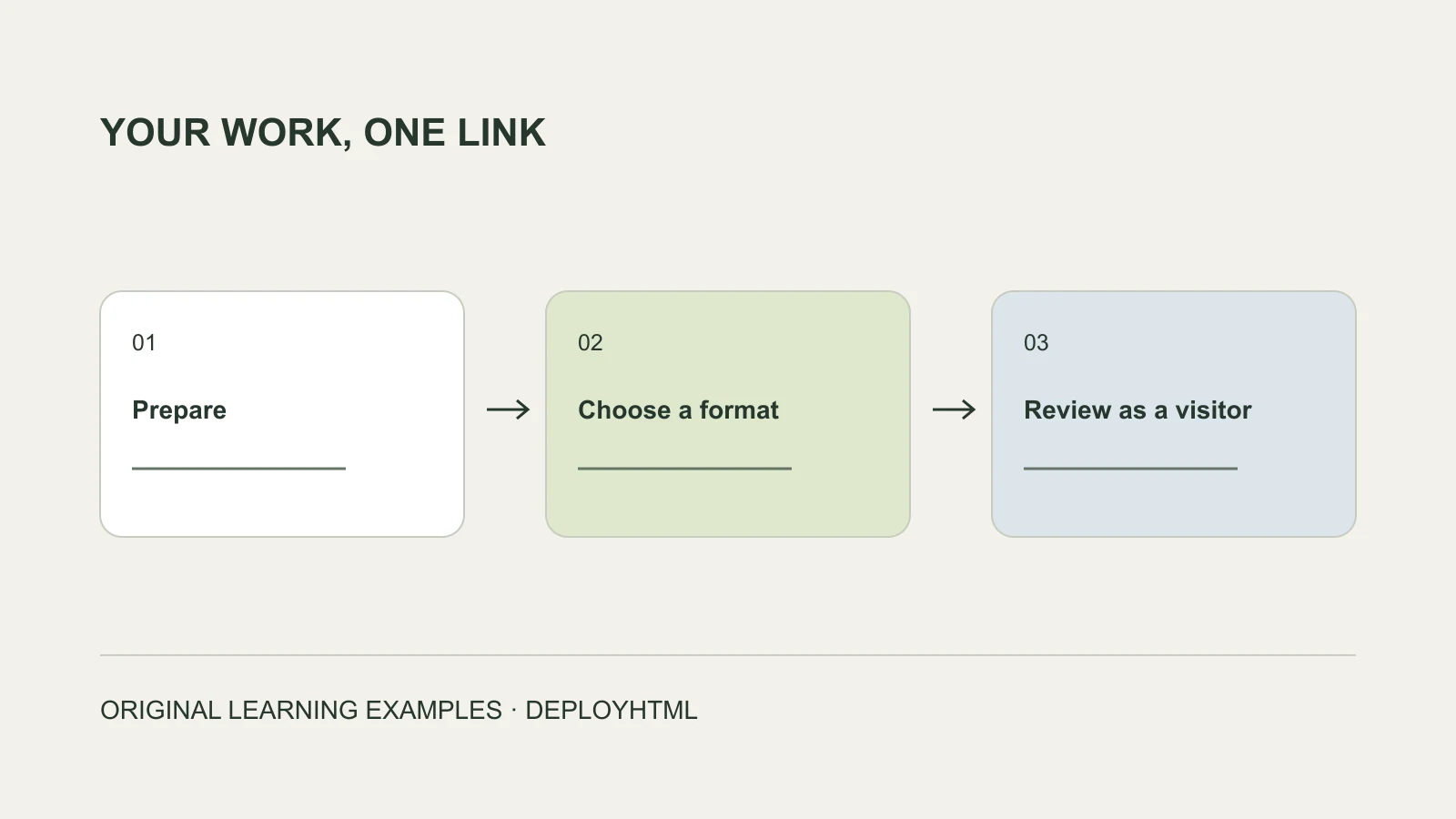
Start with the recipient’s task
A resume link is a web address that opens your resume or work samples. To create one, prepare the material you intend to share, host the document or website, and test the visitor address outside your owner session.
Choose the format first. A PDF is useful when the recipient wants a document. An HTML portfolio is useful when they need project context, navigation, and examples of your work. You can use both, with a clear purpose for each.
Match the application field before making the link
Read what the recipient requested. A portfolio URL should not silently replace a required resume attachment. Treat each field as a separate delivery instruction:
A website does not guarantee acceptance by an application system. Submit the requested material and use the URL where it fits.
| Field or request | What to provide | Final check |
|---|---|---|
| Resume upload | The requested file type | The attachment is the intended version |
| Portfolio or personal website | A visitor URL for relevant work | It opens without your hosting account |
| Link to a particular project | That project’s own destination, where available | The reviewer does not have to search a large homepage |
| Email asking for work samples | A clearly labeled link and brief context | The recipient understands what to review |
| Resume PDF with an embedded portfolio link | Both the document and a working hyperlink | Reopen the exported PDF and click the link |
Choose a PDF, an HTML portfolio, or both
A “resume link generator” may host a document, create a page, or shorten an existing address. Check what it actually does. A short URL still depends on the underlying destination remaining available.
| Your main need | Useful format | Main checks |
|---|---|---|
| Share a conventional resume layout | Hosted PDF | Readable text, access, pages, and downloads |
| Explain several projects with images and context | HTML portfolio | Mobile layout, paths, navigation, and clear roles |
| Share a draft for feedback today | Short-lived preview | The reviewer knows its expiration |
| Reuse one address across applications | Suitable ongoing hosting | Lifetime, renewal, updates, and cancellation behavior |
Prepare a deliberate public version
Make a sharing copy rather than publishing your working folder. Remove private notes, draft comments, credentials, and material you do not have permission to disclose. Use the professional contact details you intend recipients to see.
Check dates, role titles, and project descriptions against the resume you are submitting. If work was collaborative, describe your part. If a project is a prototype or uses sample data, say so. A reviewer should be able to distinguish a design exercise from a shipped product.
Open the exported PDF or HTML package itself. An attractive preview inside an editor does not prove that the files you will publish contain the same content.
Example: a focused HTML portfolio
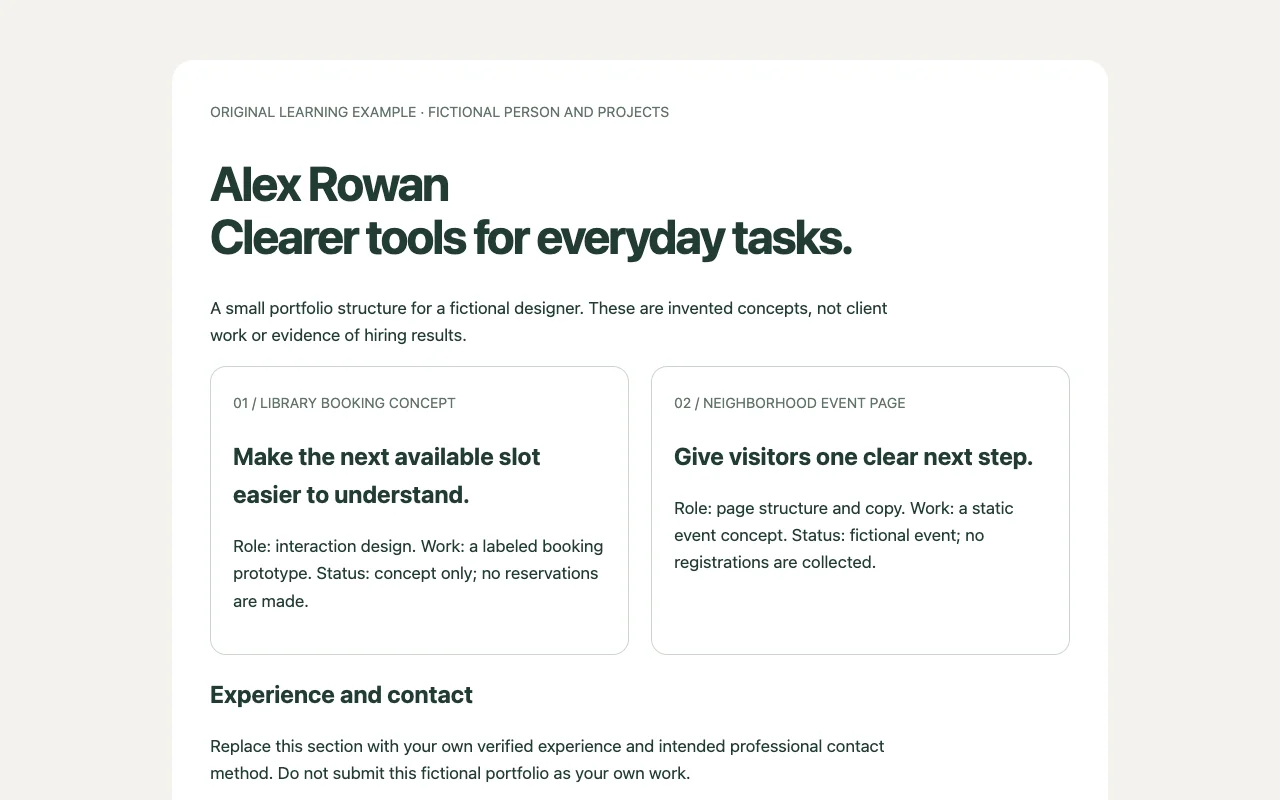
This example is fictional. Alex Rowan and the projects below are invented to illustrate a structure, not a customer story or evidence of hiring results.
Alex is applying for a design role and wants to explain two relevant projects. The portfolio can be small:
Each project should answer a few useful questions: What was the task? What did Alex do? What can the reviewer inspect? What remains untested or unfinished?
A page of unexplained thumbnails makes the reviewer infer those answers. Add readable text, helpful image descriptions, and a clear way to reach each project. If you add a resume-download button, verify its destination separately.
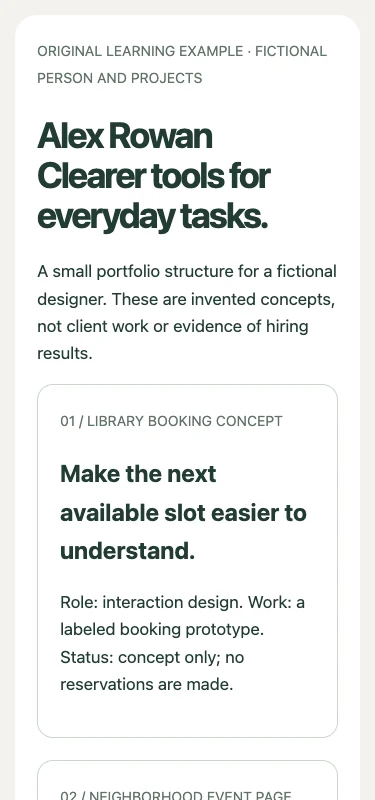
The original downloadable page implements this fictional structure. We opened it at desktop and phone widths for the screenshots. Replace the sample content with your own authorized work before publishing it; no hiring outcome is implied.
| Section | What Alex includes |
|---|---|
| Introduction | Type of work, relevant interests, and a short explanation of the page |
| Library booking prototype | Problem, Alex’s role, design choices, and labeled prototype screenshots |
| Neighborhood event page | Scope, interaction choices, and a note that displayed attendance figures are sample data |
| Experience | A concise overview consistent with the submitted resume |
| Contact | The professional contact method Alex chose to make public |
Publish an HTML portfolio with its assets
Prepare one self-contained HTML file or a static ZIP package with its supporting files. An illustrative folder might look like this:
Keep image and stylesheet references consistent with the package. A path to a file on your laptop will not give a recruiter access to it. For a nested project page, check its navigation and images as well as the homepage.
DeployHTML’s HTML-to-link page provides an entry point for suitable static HTML or ZIP publishing. Sign in, review the upload, and publish the version you intend visitors to see. A project requiring a running server needs an appropriate environment; uploading source files does not run that server.
For a standalone PDF resume, use a document-sharing workflow you have checked separately.
portfolio/
  index.html
  styles.css
  projects/
    library.html
  images/
library-project.webpChoose a lifetime suitable for applications
A draft review today and a job application next month have different requirements. DeployHTML Free links last 24 hours. They can serve a brief review, but they are unsuitable as an ongoing resume address across applications.
For continued use, check an available paid plan with suitable hosting conditions, or another arrangement that matches the intended review period. Consider account activity requirements, renewal, resource limits, and what happens if the plan ends. Keep your source material so you can move it if necessary.
Do this before adding the URL to applications. A shorter address or a QR code cannot keep an expired destination online.
Rehearse the reviewer’s visit
Copy the published visitor URL, rather than an editor, dashboard, local preview, or file: address. Open it in a separate session where you are signed out of the host.
Check the experience in a sensible order:
If access is intentionally restricted, rehearse with the appropriate recipient identity and instructions. Do not assume a password field alone implements reliable access control.
- Open: Does the right page appear with the intended access conditions?
- Read: Can a phone user understand your introduction and project descriptions?
- Explore: Do navigation, project destinations, images, and contact actions work?
- Download: If a resume download is offered, does it return the approved document?
- Return: Does a direct visit to a project page work, including after refresh?
- Continue: Will the address remain available for the planned review period?
Keep the URL and content consistent
Use a descriptive label such as “Portfolio” or “Project work.” Avoid labeling a portfolio homepage “Download resume” if it does not perform that action.
Maintain a small record of where the URL appears: application forms, resume PDFs, email signatures, and profiles. When a project moves, those places may still point to the old destination.
Before editing, save the source and understand the host’s update process. After publishing, reopen the shared address and check the intended version. If the update changes project names, role dates, or contact details, review the submitted resume copy for inconsistencies too.
Frequently asked questions
Can a portfolio link replace a resume upload?
Follow the application instructions. Use the required file format for attachments and place the portfolio URL in an appropriate field. A working page is not a promise that every application system will treat it as a resume.
Can I make a resume link for free?
Compare access, file size, branding, activity, and expiration conditions. DeployHTML Free links expire after 24 hours, so choose an ongoing arrangement before distributing a long-term application URL.
Should the portfolio include a PDF download?
Include one if it helps the recipient and you can keep it current. Test the actual download and ensure it matches the information on the page. You can also provide the requested resume attachment separately.
Should I password-protect it?
Choose access around the recipient and the material. Adding a password can create another step, and it does not grant permission to share confidential client work. If protection is needed, test the real access behavior.
Prepare the address you intend to use
Choose the requested format, prepare a sharing version, and rehearse the reviewer’s visit. If you have suitable static HTML, turn your HTML portfolio into a link, then confirm access and a hosting lifetime that covers your intended use.
Put it into practice
Your next link starts here.
Try the original example, then publish your own static files.