
Fix a blank page or JavaScript error
Separate a missing entry file, a script failure and a backend dependency.
Start with the first visible error
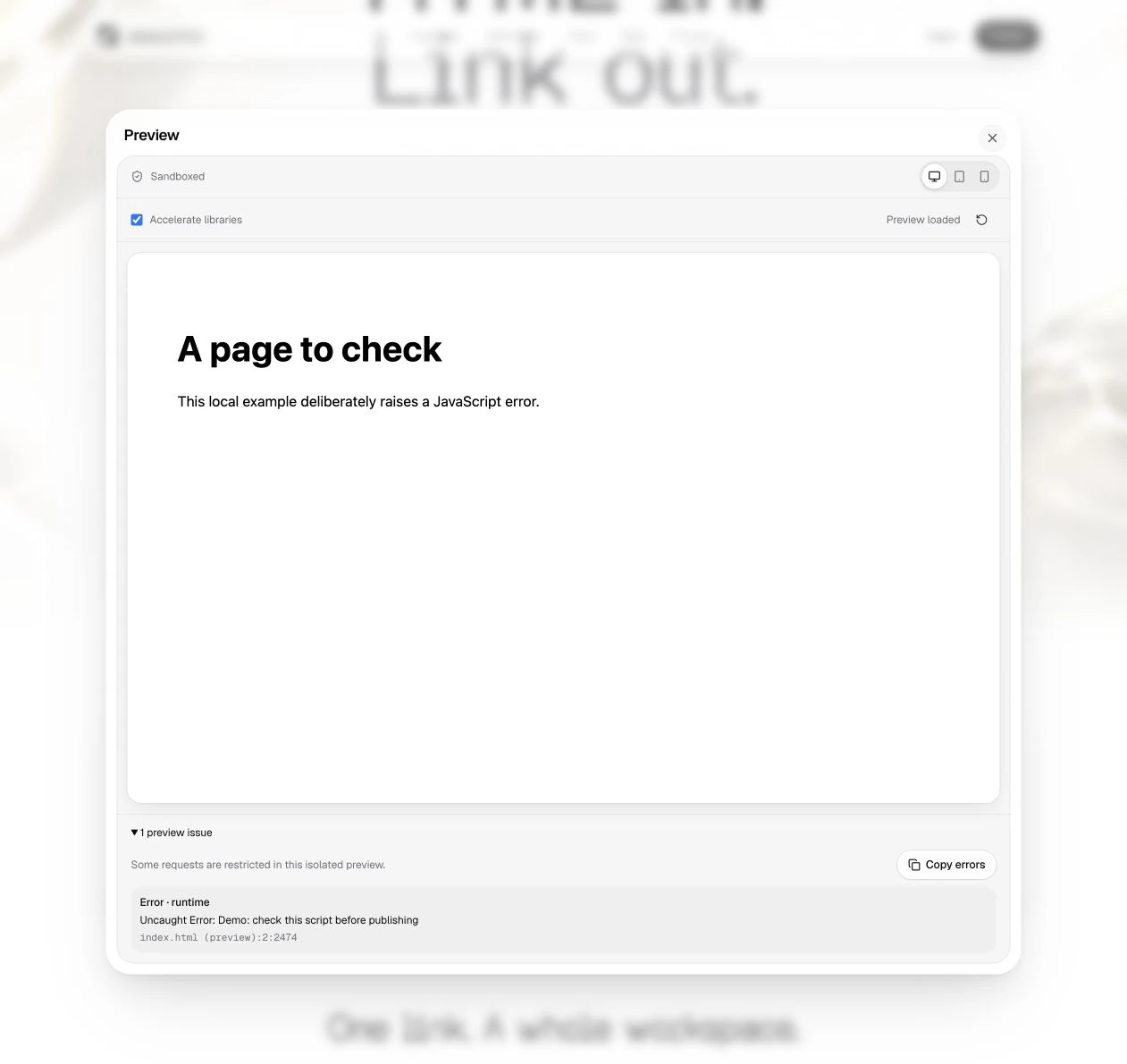
Reload the preview and expand its issues. A JavaScript exception can stop rendering after a small part of the page loads. A failed script can leave an otherwise valid HTML shell empty. Use Copy errors to preserve the diagnostic text for your own debugging.
Check the entry and source format
Make sure the package has one unambiguous index.html. If you uploaded .tsx, .ts, a React component or a source repository, create a browser-ready static build first. DeployHTML does not automatically compile a project or start a development server. See source that needs a build.
Check scripts and requests
- Confirm each local script path exists, including imports from other modules.
- Keep intentional
type="module",defer,asyncand integrity attributes. - Use browser-ready module URLs. Bare package imports may need a build or a compatible import map.
- Check whether a server endpoint, model API or authentication service is required.
The sandbox can restrict a network request or form submission that the published page would attempt differently. A blocked preview request is not automatically a missing file. Test real integrations on the published URL, without exposing private credentials in browser code.
If you still need help
Save a local copy of your source, record the exact steps and include a request or review reference if one was shown. In workspace support, describe the expected result and what happened. Do not include passwords, API keys, raw private datasets or access tokens.
Last updated on