
HTML hosting vs cloud storage: which link should you send?
Choose a file link or a working webpage for client previews, calculators and reports. Compare access, feedback, dependencies and saved data with an original example.
DeployHTML team · 7 min ·
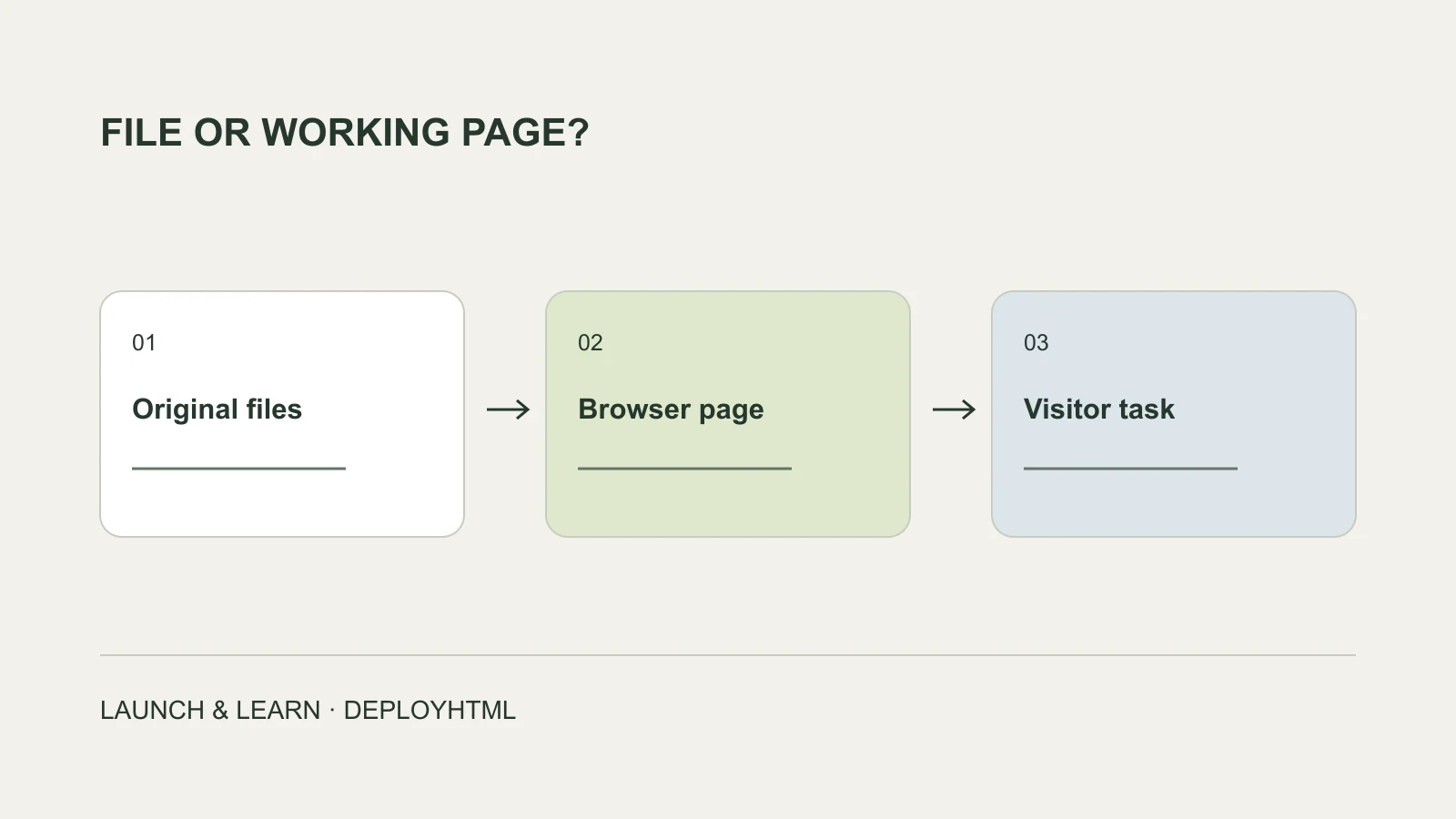
Choose the handoff the recipient needs
Use cloud storage when the recipient needs the file itself and its file-sharing controls. Use HTML hosting when the recipient should open and use a browser-ready page. For a client prototype, calculator or interactive report, start with the experience you want the visitor to have.
The difference is more than whether both services give you a link. A link might open a file preview, start a download, open an application or serve a webpage. Check the actual destination before sending it to somebody else.
Start with what the recipient needs to do
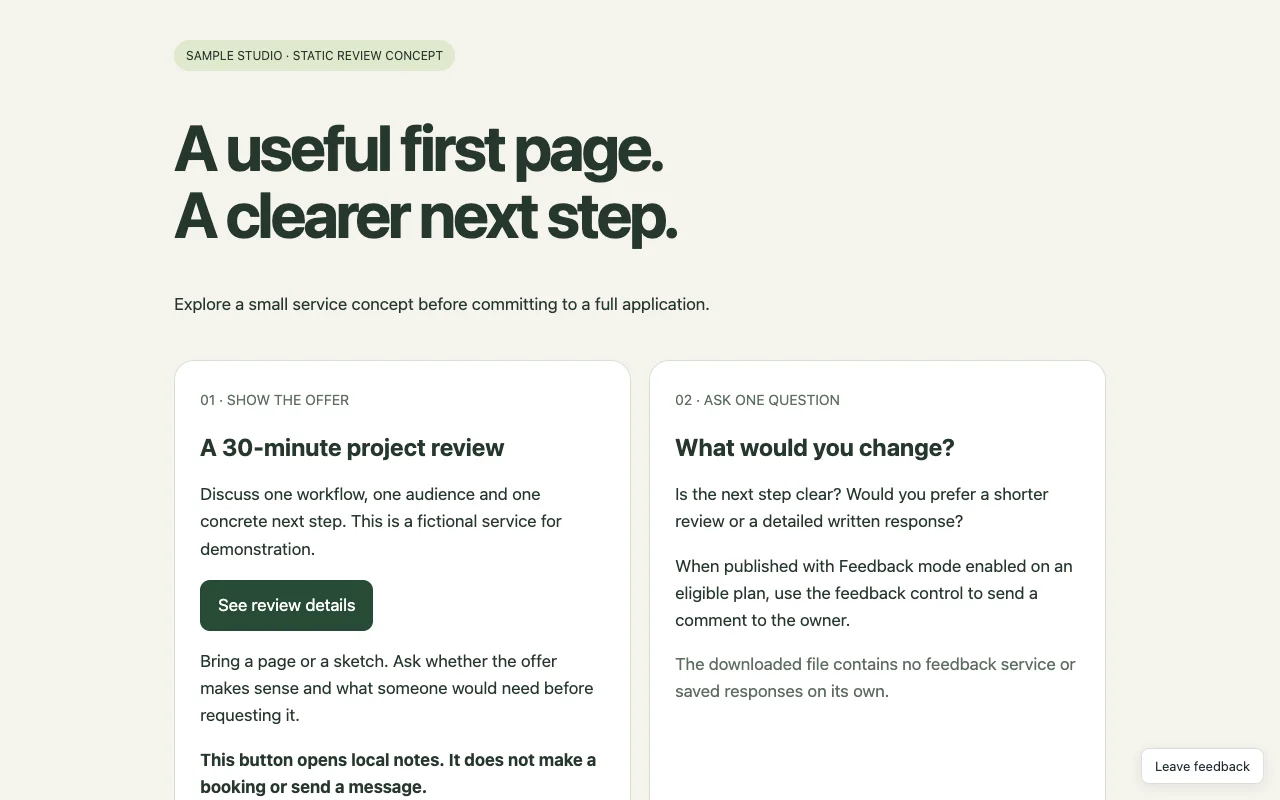
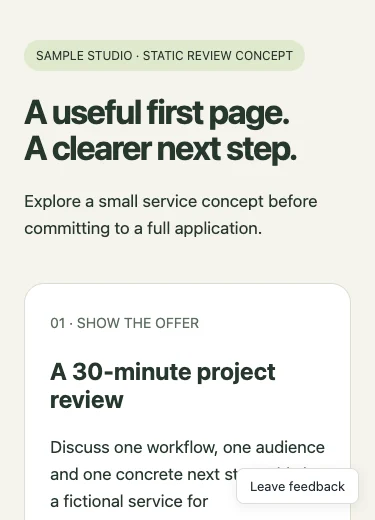
Suppose you have made a small project-review page with an AI assistant. It has a headline, an image and a button that reveals notes.
If the client needs the original files to edit or archive, a shared folder may be the right handoff. If you want the client to try the button on their phone, publish the browser-ready files and send the website URL. You can also give them the source files separately.
| The task | A useful starting point | What to verify |
|---|---|---|
| Give someone the original file | Cloud storage | The intended person can access and download it. |
| Let someone try a static page | HTML hosting | Images, scripts and the main interaction work on the visitor URL. |
| Review a document | A suitable document preview or editor | The viewer supports the format and comment workflow you need. |
| Collect feedback about a webpage | Hosting plus a configured feedback workflow | A real comment reaches the owner and is associated with the right page. |
| Run an app with shared data | A suitable application and backend | Identity, storage and permissions work beyond your own browser. |
Why a file-preview link may not behave like your website
Google Drive documents storage and previews for many formats, including markup and code. A supported file preview does not by itself establish that the file will behave as your independently hosted application.
Dropbox is more explicit about HTML: its documentation says shared links do not render HTML content as a webpage, including when using the raw-link option. Changing a download parameter is therefore not a substitute for choosing a suitable host.
This does not make cloud storage a poor product. Storing, transferring and collaborating on files is a useful job. It is simply a different handoff from asking someone to use a website.
Keep the page and its resources together
A complete self-contained HTML document can contain its styling and browser JavaScript in one file. If it references separate images, stylesheets or scripts, those resources need to be published too.
The reference ./assets/preview.svg needs a file at that exact path. A path pointing into your computer’s Downloads directory will not work for the recipient. A folder containing framework source code also needs its required build before a static host can serve the finished page.
Read the ZIP website guide for packaging and missing-resource checks when something works locally but disappears online.
index.html
assets/
  style.css
  app.js
preview.svgFile comments and webpage feedback are different workflows
Cloud-storage services can support comments and access roles. Google Drive, for example, documents viewer, commenter and editor permissions. Do not choose a host merely because somebody claims file-sharing products have no feedback features.
Instead, consider what the feedback refers to. Is the person reviewing the file as a document, or trying a particular page and interaction? Decide who should see their comments and where you will review them.
DeployHTML’s Feedback mode is designed for comments about a published page. On a suitable plan, the owner can enable it and review feedback privately in the project. It is not a public discussion thread. A visitor’s feedback also is not automatically a structured research response or a booking.
Before inviting participants, leave a test comment from another browser session and confirm that it reaches the owner’s feedback list. The feedback guide explains the configuration and visitor flow.
Hosting does not automatically make a form save data
A static page can calculate a result, reveal notes or keep local browser state. Those interactions do not necessarily save anything to a service the owner can access.
If your example says “thanks for your response,” check what happened after the message appeared. Did the answer reach the configured service? Can the owner find it? Does refreshing or using a different browser change what you see?
Use a configured collection service for real responses. DeployHTML’s structured form workflow requires the relevant Pro entitlement, declared fields and collection setup. It is a specific response workflow, not a general database for every application. Read the forms guide and verify a deliberate test response before treating the page as live collection.
Likewise, exporting a page from an AI tool does not recreate that tool’s model access, connectors or storage. Keep those dependencies explicit.
Compare the cost of completing the task
Do not compare subscription prices before deciding which steps you need. For a short review, the task might be publishing a page and receiving one useful comment. For ongoing lead collection, it also includes a reliable submission destination and enough hosting time.
Write down the hosting plan, required external services, configuration steps and maintenance you will own. Some static hosts offer free tiers. A simpler integrated workflow may still be preferable for your task, but “less setup” and “the lowest price everywhere” are different claims.
DeployHTML Free requires an account, includes a badge and has a 24-hour public lifetime. Re-uploading does not restart it. Use a suitable ongoing plan or another hosting option when the recipient needs the page later. Check the current limits and pricing.
Test the link before you share it
Open the destination outside the session you used to create it. Try it on a phone and check the main action, not only the first screen.
For a file link, verify access and download behavior. For a website, check its assets, links and interactions. For feedback or a form, confirm receipt in the owner’s records. A button click is not proof of a saved lead, completed appointment or purchase.
If you have a browser-ready page, open HTML to link or try the original client-preview example. Choose the handoff that lets your recipient complete the task you actually promised.
Put it into practice
Your next link starts here.
Try the original example, then publish your own static files.