
Cloudflare Pages vs Vercel for a small HTML app
Compare direct uploads, static files, builds, review workflows and backend needs. Use a small original HTML package to decide what your project actually requires.
DeployHTML team · 6 min ·
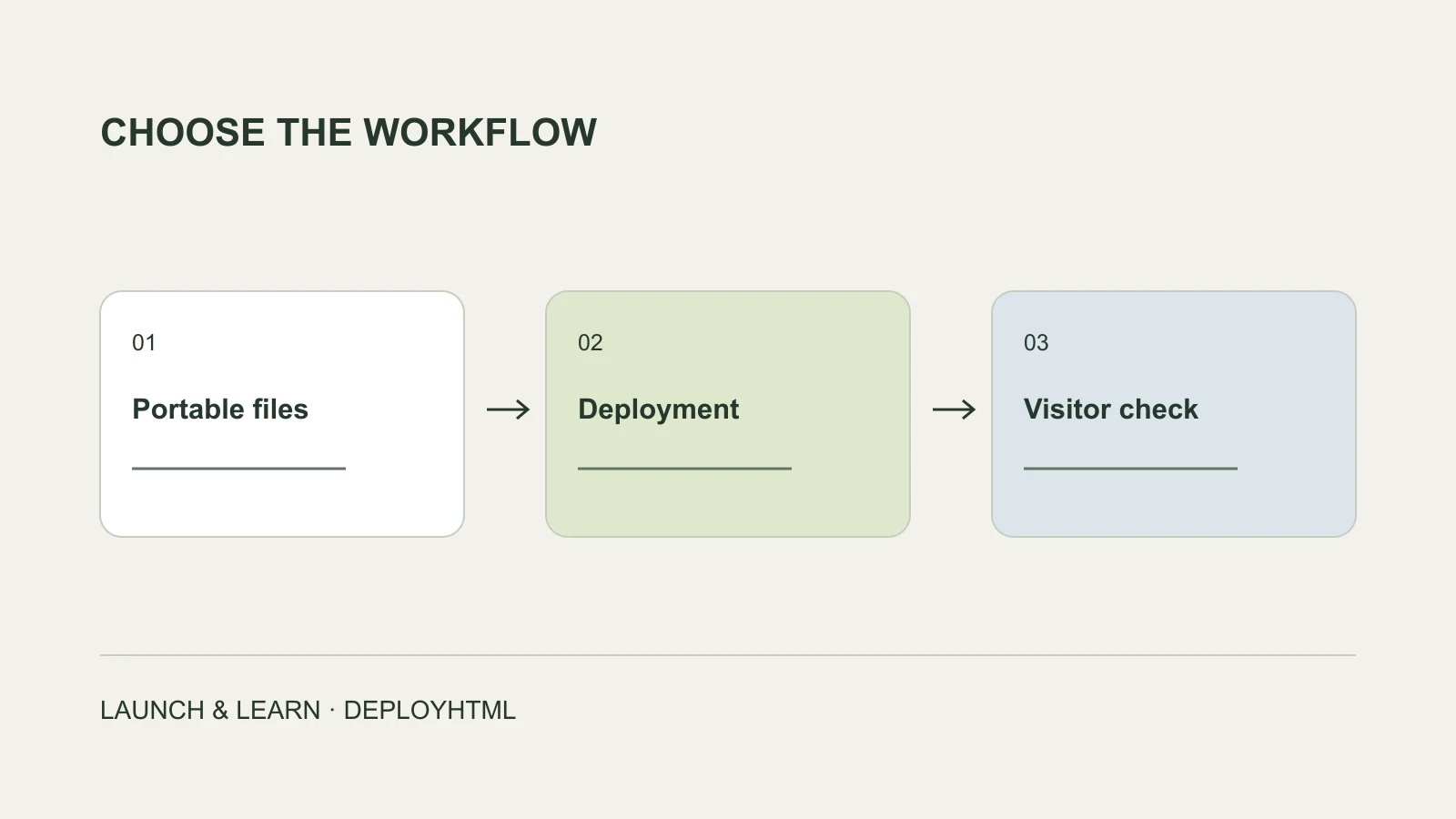
Choose around the files and workflow you already have
For a small HTML app, Cloudflare Pages and Vercel can both publish browser-ready static files. The useful choice depends on whether you have finished files, a project that needs a build, or an application that needs services beyond the browser.
You do not need Git for every deployment on either platform. Cloudflare documents a drag-and-drop Direct Upload route for prebuilt assets. Vercel documents a browser Drop workflow for supported files and projects. A comparison that says either service always requires a repository starts with the wrong distinction.
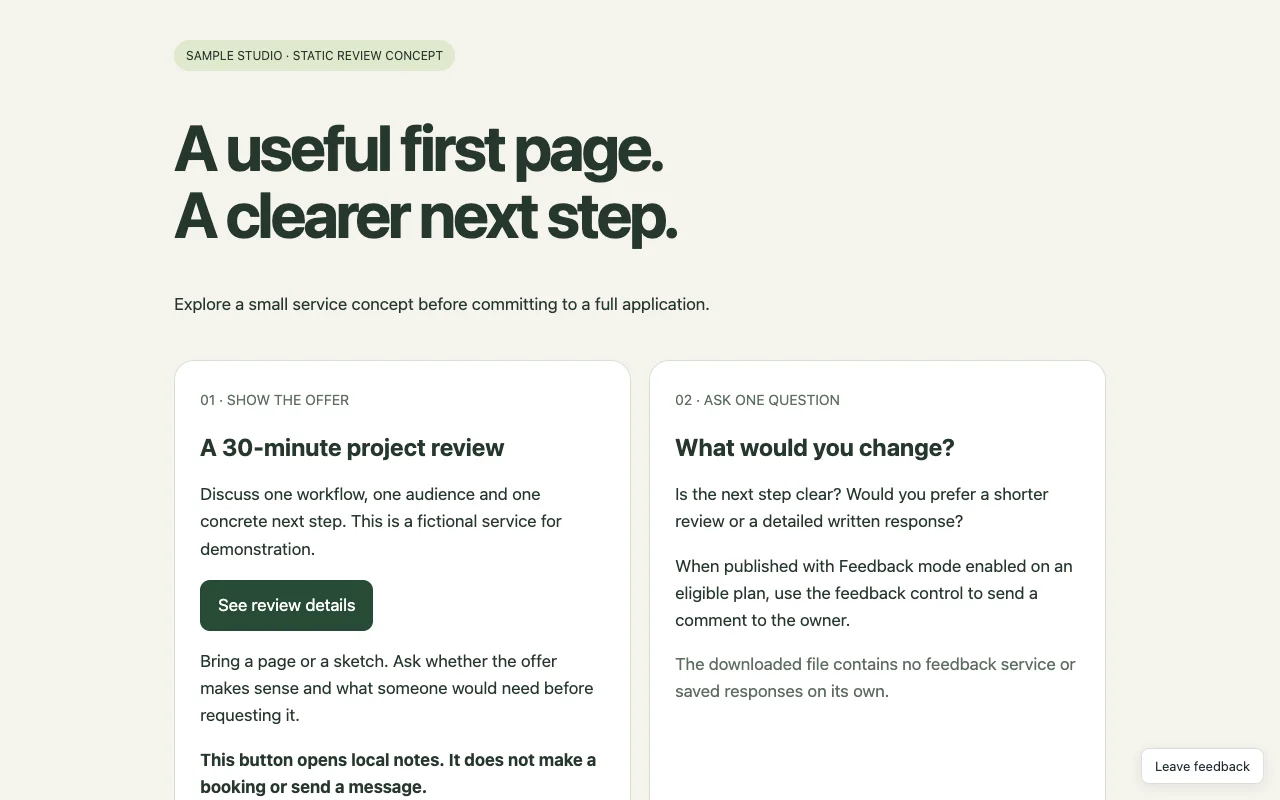
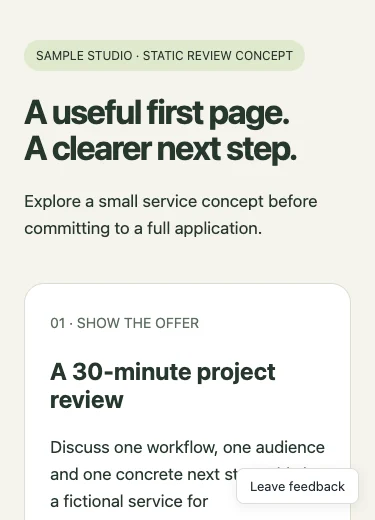
This guide compares current official workflows, checked on October 28, 2026. The screenshots show our original static package running in a local DeployHTML workspace; they are not evidence that we deployed it to both vendors or measured their relative speed.
Use one representative package to make the choice concrete
Our example is a fictional service-review page. Its button reveals review notes, its layout adapts to a phone, and all content is labeled as invented. The ZIP contains a self-contained index.html; no database or model API is required.
Try the same input when evaluating your shortlist. Check what you must prepare, which account controls appear, how you obtain the visitor URL, and how you publish a second version. Those steps tell you more about your own task than a generic platform score.
A small successful example does not certify an entire React application or a backend. Repeat the check with the real static output and integrations you intend to use.
Compare the deployment decisions
Separate uploading finished files from building source. Then decide how the site will be maintained. The table summarizes documented workflows, not a performance or reliability ranking.
| Question | Cloudflare Pages | Vercel |
|---|---|---|
| Can I start without Git? | Direct Upload supports browser drag-and-drop or a local deployment route. | Drop provides a browser route for supported files and projects. |
| What should I prepare? | Direct Upload expects prebuilt assets; framework source needs its build first. | A finished static export is one option; supported source/build workflows depend on the selected route. |
| How does ongoing maintenance fit? | Choose Direct Upload or Git integration intentionally; switching an existing Direct Upload project to Git requires a new project. | Select the project and deployment workflow appropriate to its ongoing maintenance. |
| Does uploading HTML supply a backend? | Static files alone do not implement your application’s server behavior. | Static files alone do not implement your application’s server behavior. |
Feedback and analytics are not exclusive to a lightweight host
Vercel documents preview Comments through its toolbar, with account and participation conditions. It also offers Web Analytics and custom events under its plan rules. Cloudflare offers its own Web Analytics. Check the exact workflow and entitlement rather than assuming a general hosting service has no feedback or measurement tools.
If your task is a one-off concept review, list the steps needed for a reviewer to open the page and leave useful feedback. If your team already uses a platform’s preview collaboration, staying in that workflow may be the simplest choice.
If you need to know whether a form really saved a response, test that storage path independently. An analytics event, a positive comment and a saved answer are different records.
Compare the whole task, not only the starting price
Write down hosting, any data or form service, access controls, configuration and maintenance. Account and commercial-use conditions matter as well as a dollar figure. Use each platform’s current terms and plan page for your intended use; a free personal project is not automatically the right plan for a commercial experiment.
A service with more deployment and backend capabilities can be the right starting point when the application needs them. A narrower workflow can be useful when the result is already a static page and the immediate goal is to share, collect feedback and revise.
Avoid an unsupported “cheapest” or “fastest” conclusion. We did not buy plans, deploy to both platforms, or benchmark them for this guide.
When a focused HTML sharing workflow fits
If you already have a portable document and want a direct publishing interface, DeployHTML accepts pasted HTML, HTML files and static ZIPs. Eligible paid plans add owner feedback and editing workflows. For a growing server application, choose infrastructure that can run and secure its actual backend.
Before sharing, open the visitor URL outside the owner session, check the main action and test on a phone. For ongoing use, account for the link’s lifetime and update process. DeployHTML Free requires an account and lasts 24 hours; it is not permanent free hosting.
The right outcome is a suitable home for your page. If you need only to deliver the original files rather than run a webpage, cloud storage may be enough.
Put it into practice
Your next link starts here.
Try the original example, then publish your own static files.