
Images missing after publishing HTML? Check paths, CSS and responses
Fix images that work locally but disappear online. Check the requested URL, package paths, CSS backgrounds, filename case and the actual response with a reproducible example.
DeployHTML team · 8 min ·
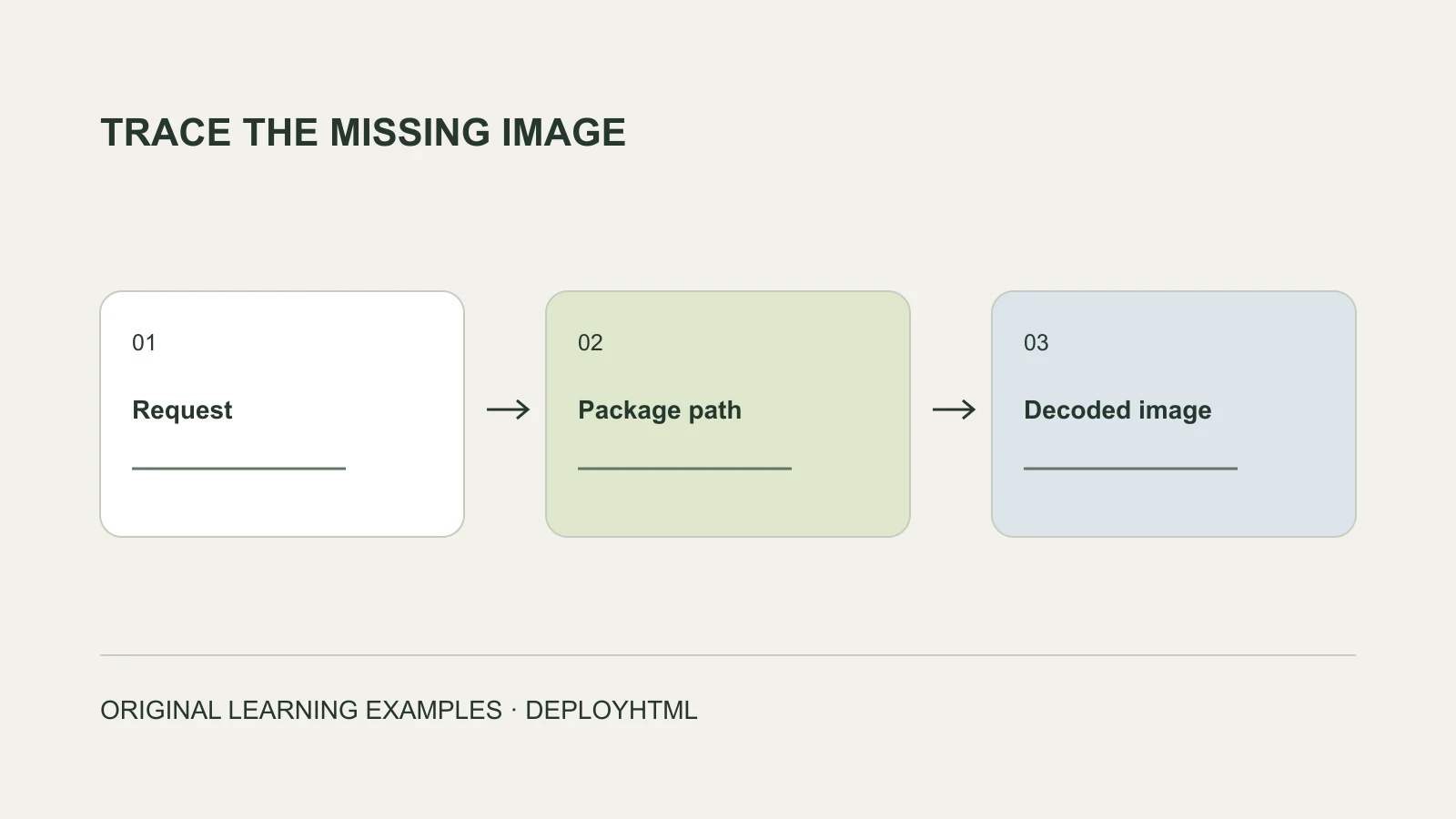
Start with the image the browser actually requested
When an image works on your computer but disappears after publishing, find the exact image URL the browser requested and inspect what it returned. Check the uploaded file at that path before changing the whole website.
Use the published visitor address and open the browser’s Network panel. Reload, filter image requests, and record the URL, status or error, and content type. If you need help, those three details give a developer a concrete starting point.
An image may use srcset, lazy loading or a script that replaces src. Inspect the actual request at the screen width where the problem occurs, rather than relying only on the first src attribute you find.
| Observation | First check | What it does not prove |
|---|---|---|
| 404 response | Path, filename and contents of the uploaded package. | The whole hosting service is unavailable. |
| 401, 403 or a login redirect | Resource access and the external source’s current requirements. | The HTML markup is necessarily wrong. |
| 200 with an HTML response | Routing, login page or error-page fallback. | The browser received an image. |
| A decoded image that remains invisible | CSS size, display, opacity and overlapping elements. | Re-uploading the same image will help. |
| A blocked request | The complete browser message, mixed content or content policy. | Every failure is a CORS problem. |
Make sure the image is actually in the package
HTML references an image; it does not automatically include the image in an upload. A file:///Users/example/Desktop/photo.png path cannot deliver your desktop file to a recipient. Neither can an operating-system shortcut in place of the real asset.
Open the ZIP you intend to upload and inspect its contents. Keep the image, stylesheet and script files with their original directories. Check for accidental double extensions such as cover.webp.png.
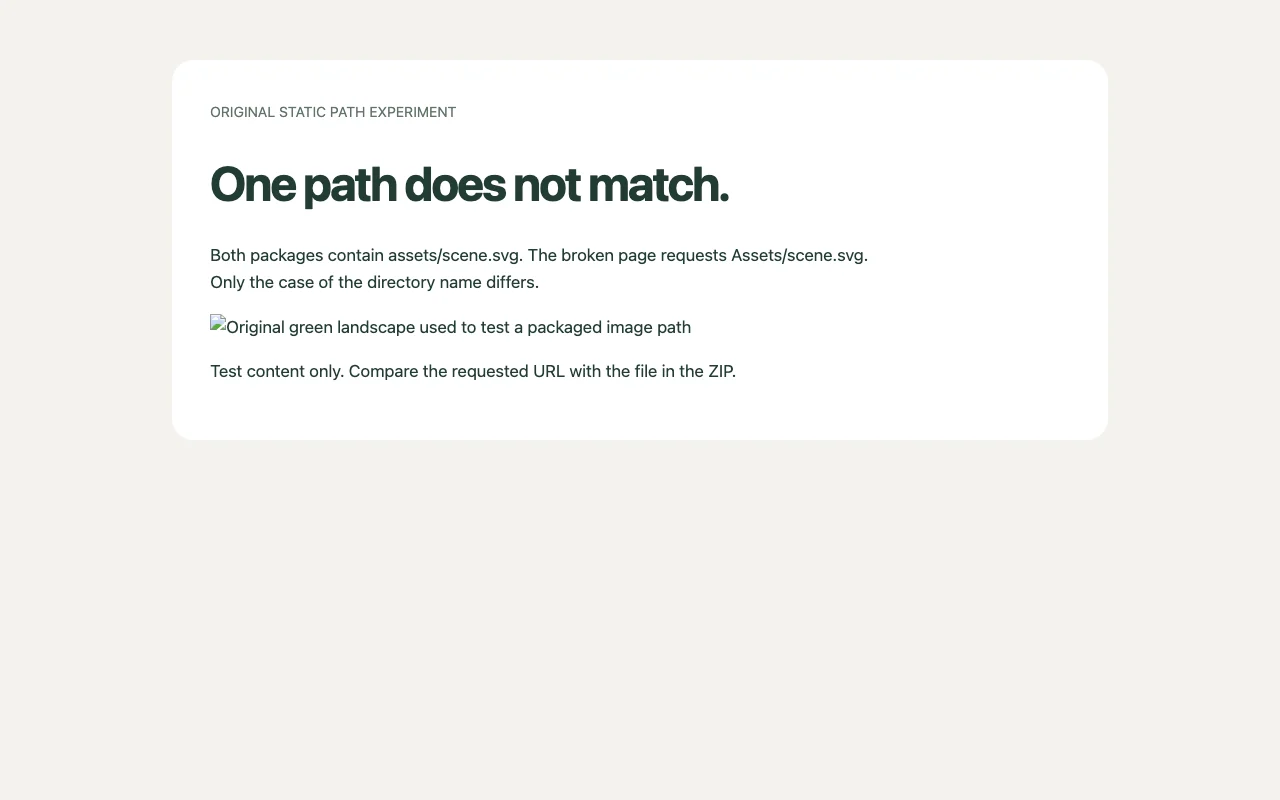
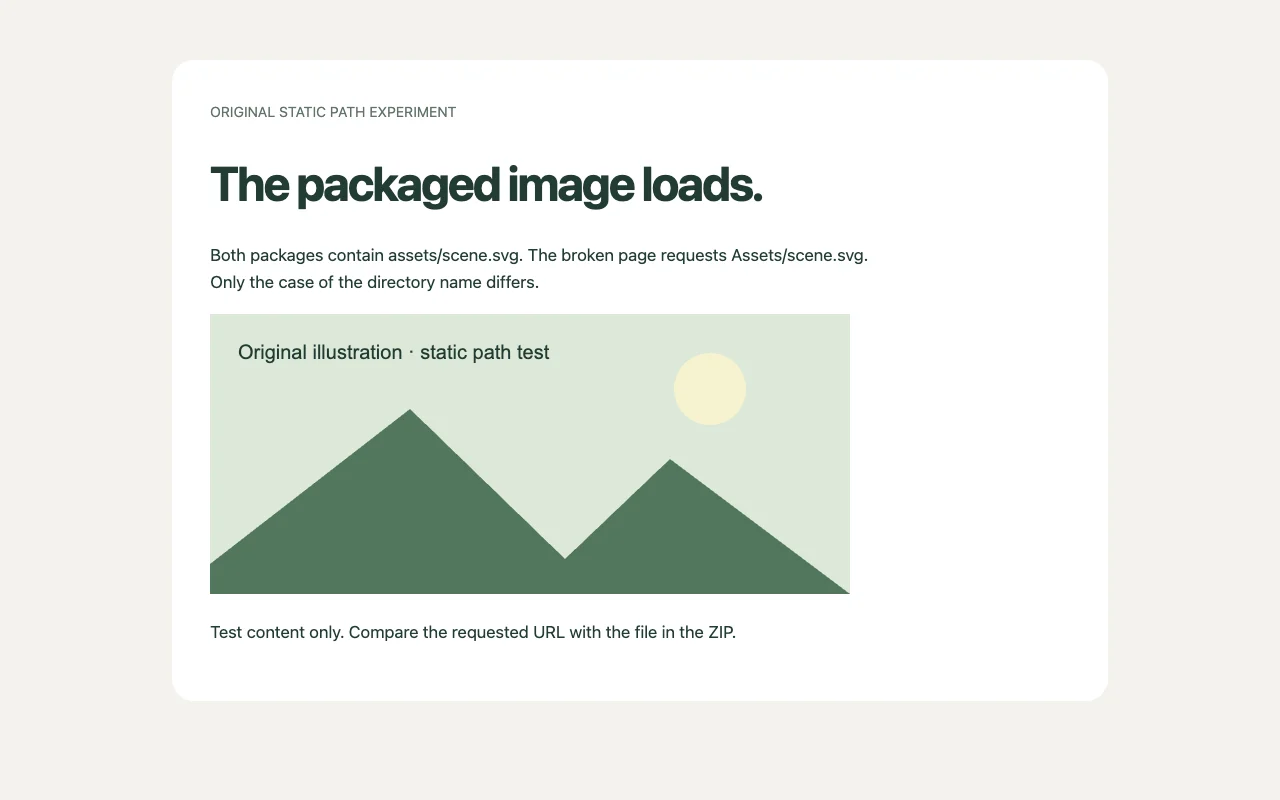
Our original pair of test packages both contain assets/scene.svg. The broken page requests Assets/scene.svg, while the fixed page requests assets/scene.svg. In our local browser check, the broken request returned 404; the corrected image decoded successfully. These are deliberately small test files, not customer projects.
Resolve HTML paths from the page location
A relative HTML image path starts from the document URL. For /about/index.html, ../images/portrait.webp moves up to /images/portrait.webp. A leading / starts from the site root. The same string can therefore point somewhere different on a nested page.
Compare the resulting requested URL with the actual files, including directory and filename case. Assets/scene.svg and assets/scene.svg are different requests on a case-sensitive host.
Open a nested page directly and reload it. Testing only the homepage can miss relative paths that fail on project or article pages.
site/
  index.html
  about/
    index.html
  css/
    theme.css
  images/
    portrait.webp

<!-- In about/index.html -->
<img src="../images/portrait.webp" alt="Project portrait">Resolve CSS backgrounds from the stylesheet location
A relative url() in an external stylesheet is resolved against the stylesheet URL, not the HTML page. If css/theme.css refers to ../images/cover.webp, the browser requests images/cover.webp one level above css.
Inspect the background rule and the stylesheet’s own location. Moving the stylesheet without updating its relative references can break a background even when ordinary HTML images still work.
If the image response is correct, inspect the element itself. A background needs an area to paint; a zero-height element, display:none or an overlay can hide it. Resource delivery and visual layout are separate questions.
/* In css/theme.css */
.hero {
  min-height: 240px;
  background: url("../images/cover.webp") center / cover;
}Check external addresses and temporary browser URLs
An external image may require a login, expire, or reject the request under its source service’s rules. Open it as the intended visitor without your owner login and inspect the actual response. Do not bypass another service’s access conditions.
A blob: URL created in an editor session is not a durable asset for another browser. Package the authorized original file, or use an intentional stable public source. A URL from an authenticated AI workspace may also depend on that workspace.
When the browser reports mixed content or a content-policy violation, read the specific message. CORS rules vary by resource use; naming every broken image “cross-origin” can send the repair in the wrong direction.
Change one cause, then test the published result
For the supplied broken package, change Assets/scene.svg to assets/scene.svg in index.html. Keep the image where it is. Upload the corrected static package to the intended project and publish the update.
Reopen the visitor URL, request the image directly, and check that the response has the expected image type. Then verify that it decodes and appears at desktop and phone widths. A successful status carrying an HTML fallback is not a repaired image.
The fixed screenshot shows the actual corrected local example. It does not certify every page or external dependency. Repeat the relevant checks after your own intended publication; repeatedly uploading the unchanged broken ZIP cannot fix its reference or restart a Free site’s lifetime.
Common questions about missing images
Why does an absolute URL appear to fix it? It may resolve to the intended file where the previous relative path did not. Confirm access and lifetime before depending on it; it does not remove the need to host an accessible image.
Does visible alt text mean the image loaded? No. Alt text can appear when the image cannot render. Check the image request and decoding separately.
Does a repaired image mean the whole page works? No. Also check navigation, scripts, forms and access. A picture loading does not establish that a backend accepted a response.
Put it into practice
Your next link starts here.
Try the original example, then publish your own static files.