
Publish through the API
Create scoped tokens and publish static files with safe retry behavior.
Create an owner token
Basic and Pro support publishing API tokens. Verify your owner email, then open API tokens in the workspace. Create a named token, copy it once and keep it in a private build environment. The server retains its hash, not a recoverable copy of the full token.
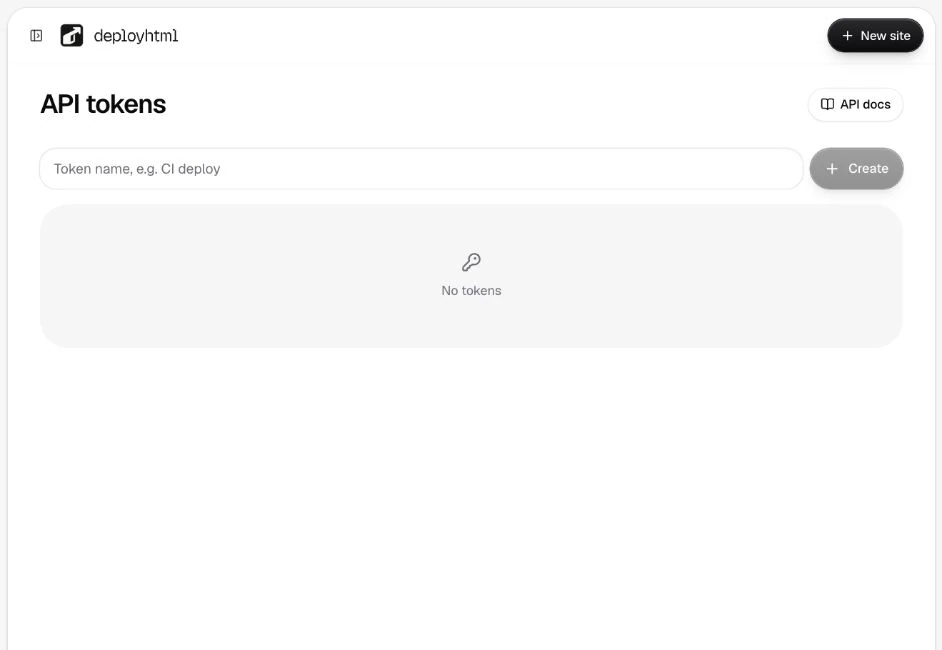
Tokens can list owned projects and publish websites. They cannot manage billing or read private form responses. Never place a publishing token in hosted HTML or browser JavaScript.
Publish one HTML document
Send an authenticated request with a unique Idempotency-Key for the intended publication. The following values are placeholders, not working credentials.
POST /v1/projects
Authorization: Bearer YOUR_PRIVATE_PUBLISHING_TOKEN
Idempotency-Key: one-unique-key-at-least-16-characters
Content-Type: application/json

{"title":"My project","html":"<h1>Hello, world</h1>"}
Update an existing site with POST /v1/projects/:id/deployments and its latest baseDeploymentId. Static file payloads use relative paths and UTF-8/base64 content; multipart uploads accept a file and title.
Retry the same intent
Retry the same key with the same payload when that is still the intended publication. Reusing the key with different content produces a conflict. If a response is uncertain, inspect the existing project/version before creating another intent.
Read the error envelope
401 indicates missing authentication; 403 can indicate scope or plan restrictions; 409 a version/idempotency conflict; 413 an oversized upload; 422 invalid files/content; 429 rate or quota enforcement. The response includes a request ID and retryability information.
BUILD_REQUIRED means you need finished browser files, not raw framework source. See build output and package limits.
Last updated on