
Temporary HTML hosting: share a page for 24 hours
Put an HTML page online for a short review, demo or class. Learn what a temporary link includes, when it expires, and when to choose ongoing hosting.
DeployHTML team · 6 min ·
Use temporary hosting for a short, specific task
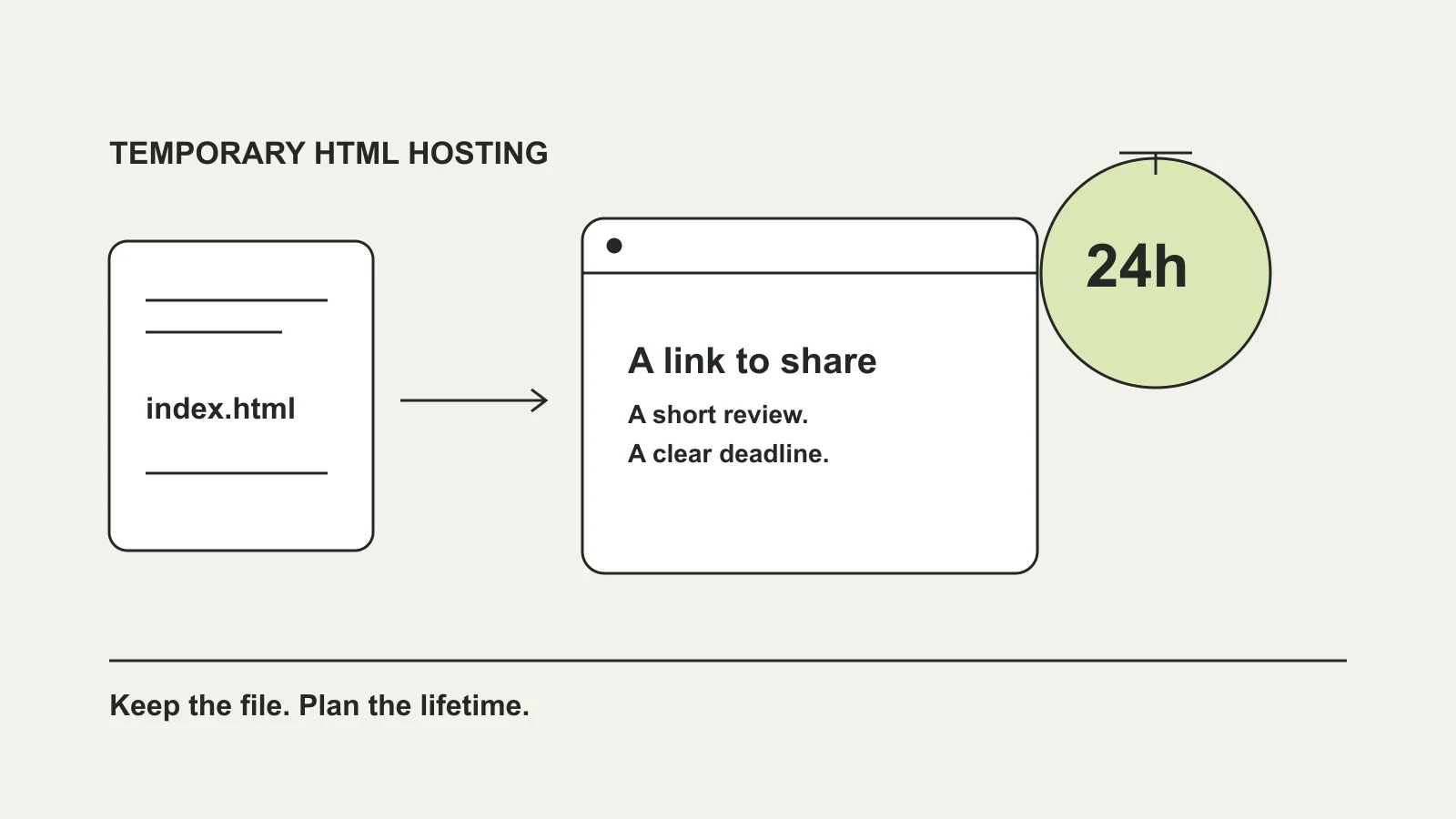
Temporary HTML hosting gives a browser-ready page an address for a limited time. It suits a same-day client preview, an interactive classroom exercise, or a small demonstration you need someone to open without downloading a project folder.
On DeployHTML, Free publishing requires an account. It includes one active site, a badge, a 5 MB upload allowance and a 24-hour public lifetime from the first activation. Choose it when the review fits inside that window, rather than treating it as a permanent home for the page.
For example, you might publish a landing-page concept before a meeting and ask a client to try its navigation. Tell them when the link expires and which parts are demonstrations. Keep the original files on your computer.
Temporary hosting vs ongoing hosting
Start with how long your audience needs the resource. A link in a long-running course, portfolio or published document may need to work months later. A short-lived link is a poor fit for that promise.
| Your task | A suitable approach | Check before sharing |
|---|---|---|
| A review or demo within the next 24 hours | A temporary Free link may be enough. | Everyone can finish before it expires. |
| Several rounds of client revisions | Use a plan with enough hosting time; update the same project. | Current paid availability, editing and version limits. |
| An ongoing portfolio or course resource | Choose ongoing hosting with suitable terms. | Renewal, limits and who owns the original files. |
| A file containing confidential data | Review access and data requirements first. | A public link does not make the uploaded source private. |
Prepare one HTML file or a complete ZIP
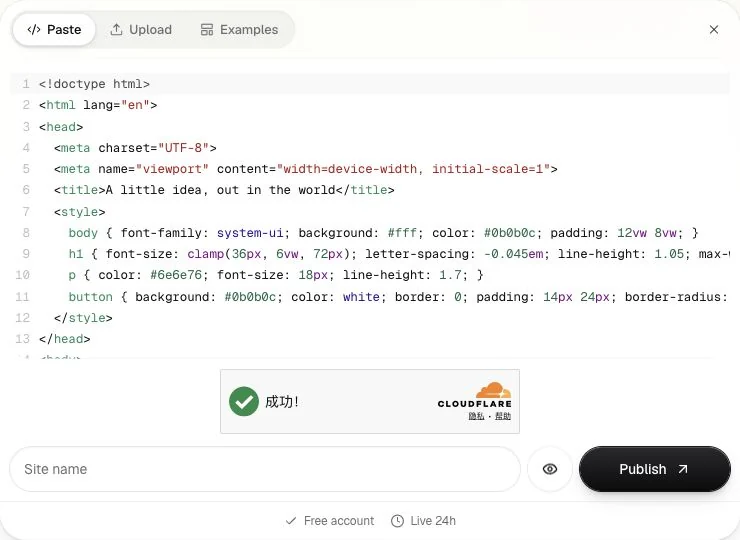
For a self-contained page, save the complete document as index.html. Include its CSS and browser JavaScript, then open it locally and try the main interaction. You can start with the original small review-page sample below.
If the page uses separate stylesheets, images or scripts, keep them in the package and upload a ZIP with one clear index.html entry. A local path into your Downloads folder will not work for a visitor. A source project that requires a build needs its finished static output first.
Publish and open the link as a visitor
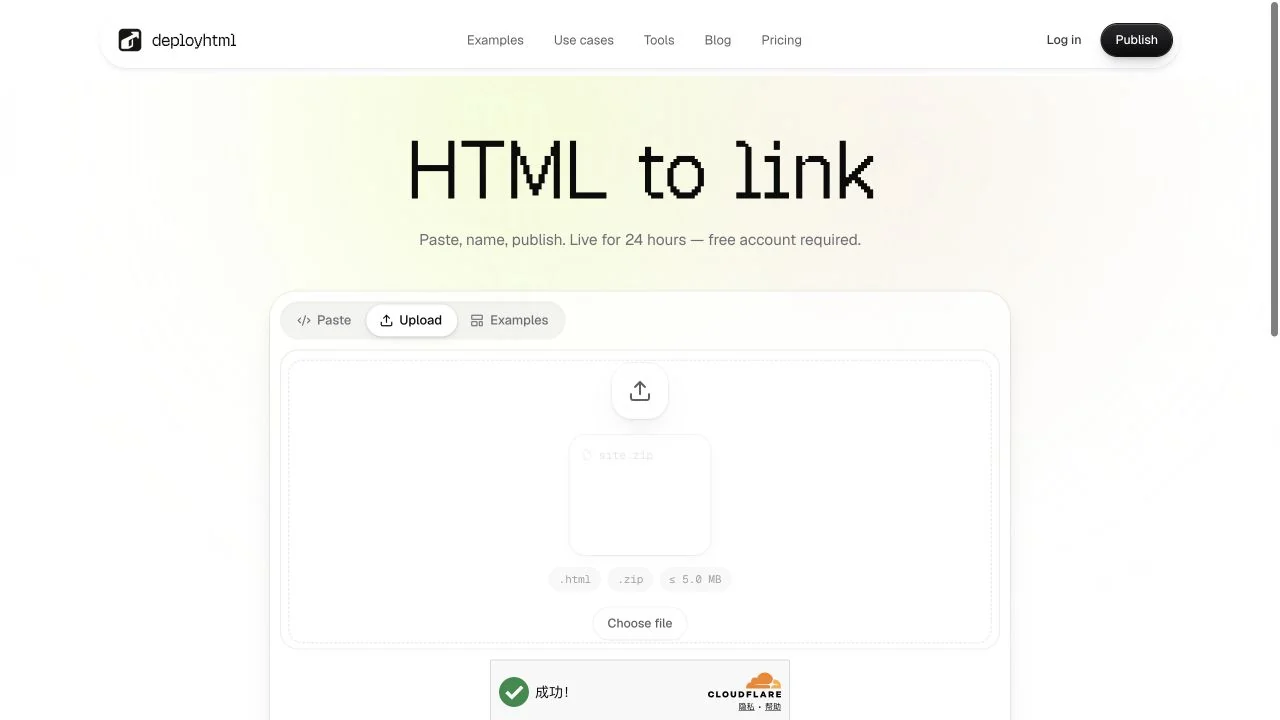
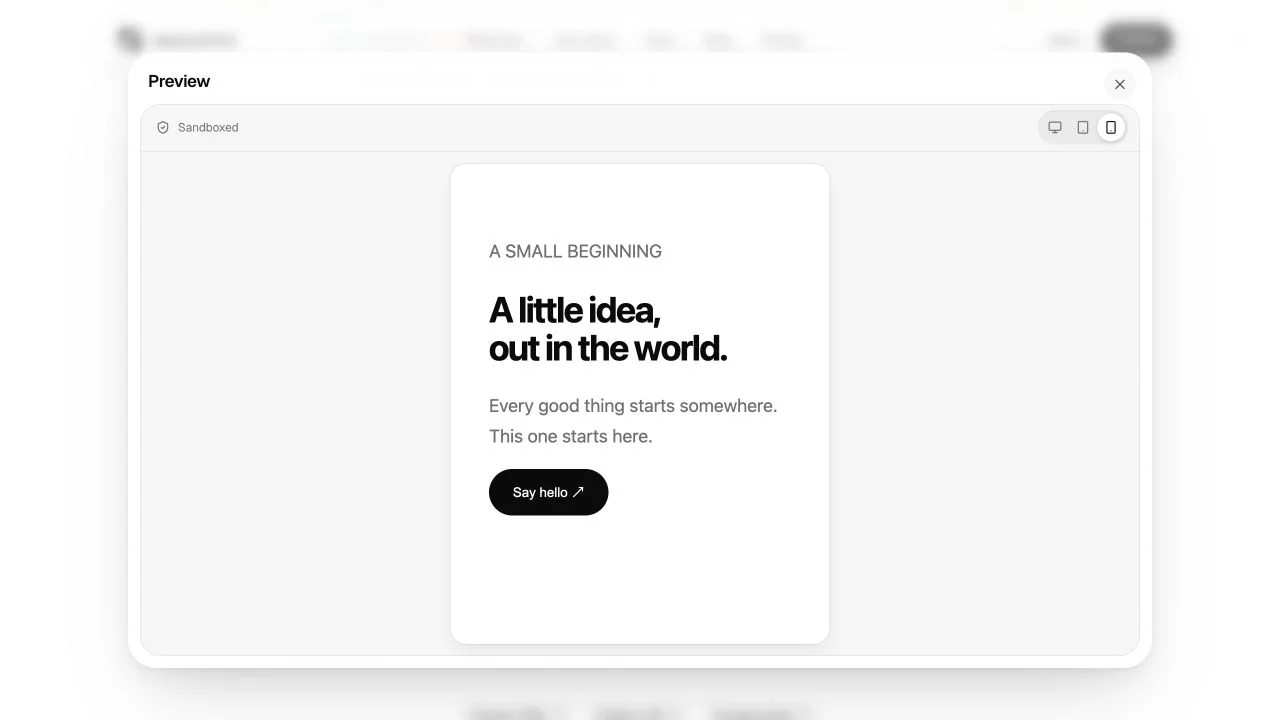
Open HTML to link. Paste the complete document, or choose Upload for HTML or ZIP files. Give the project a recognizable name, check the preview and sign in to publish. Copy the resulting website URL.
Open that URL outside your signed-in workspace. Check its images, navigation, buttons and narrow layout. A working isolated preview does not prove an external integration will work on the public website. If the page is a demo, make that visible to the recipient.
For a review, send one concrete question with the link: for example, whether the primary action is easy to find. Publishing a link does not collect or save feedback automatically.
Make changes without restarting the clock
During the original Free lifetime, publish a revised file to the same project to keep its URL. Creating another project creates a separate address. Re-uploading does not extend the original 24-hour window.
Basic provides online editing and private drafts for eligible projects. Check the current plan and your account before relying on those features for a continuing review. After each publication, reopen the recipient’s URL and check the intended revision.
Plan for expiration before sending the link
Do not use an expiring link as your only copy. Keep the HTML, assets and any source project elsewhere. Check the current expiration policy and account state before the deadline; do not assume there is a recovery period or that the same address will remain reserved.
If the recipient needs more time, arrange suitable ongoing hosting before the temporary link stops working. Tell them when availability changes. A temporary hosting allowance is a sharing tool, not a backup service or a guarantee of permanent access.
Put it into practice
Your next link starts here.
Try the original example, then publish your own static files.