
Understand your website analytics
Read automatic site traffic without confusing page views, people and conversions.
Open site analytics
Published customer sites receive DeployHTML's automatic site-analytics integration. Open a project's Analytics tab, or the workspace analytics overview, to review the traffic available for your plan. You do not need to add the DeployHTML Google property to your own HTML.
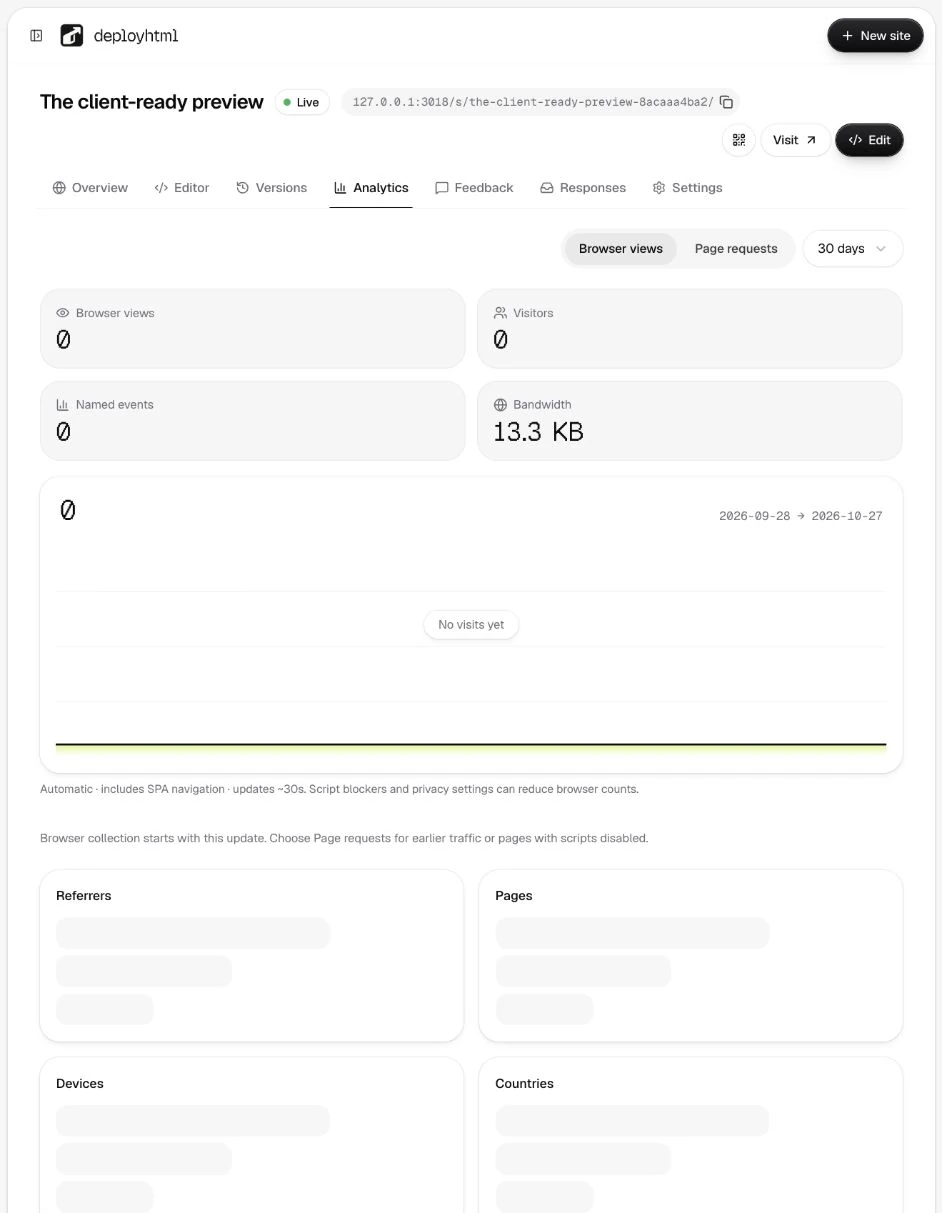
Read each metric in context
A page view is not a unique person or a successful business outcome. Approximate visitor counts, countries, devices, page paths and referrers describe observed requests or browser events under the product's collection rules. Bots, browser blocking and aggregation delay can affect them.
Do not add segmented unique-visitor counts together to produce a site total: the same visitor can appear in more than one segment. A click or form appearance is not proof of a saved response or paid order.
Allow for processing and limits
Read the date window, last update and any empty/error state. Fresh data may take time to aggregate. A failed report request is different from a report with no rows. Basic retains analytics for 90 days and Pro for 12 months; quotas and retention apply separately.
Keep tracking scoped to your site
DeployHTML's own marketing GA4 setup is separate from your site's traffic. Your hosted HTML should not contain somebody else's measurement ID by accident. Any additional analytics you choose must use your own configuration and appropriate visitor disclosures.
For customer feedback or saved form answers, use feedback or forms. They are separate records, not inferred from page views. See plan limits for monthly bandwidth/page-view allowances.
Last updated on