
Payments, subscriptions and cancellation
Check your plan, payment status and paid-through date before taking another action.
Open Billing
Use Billing in your workspace to see the current plan and available purchase or management actions. Prices, currencies, taxes and supported methods are shown in the actual checkout. Review them before confirming payment.
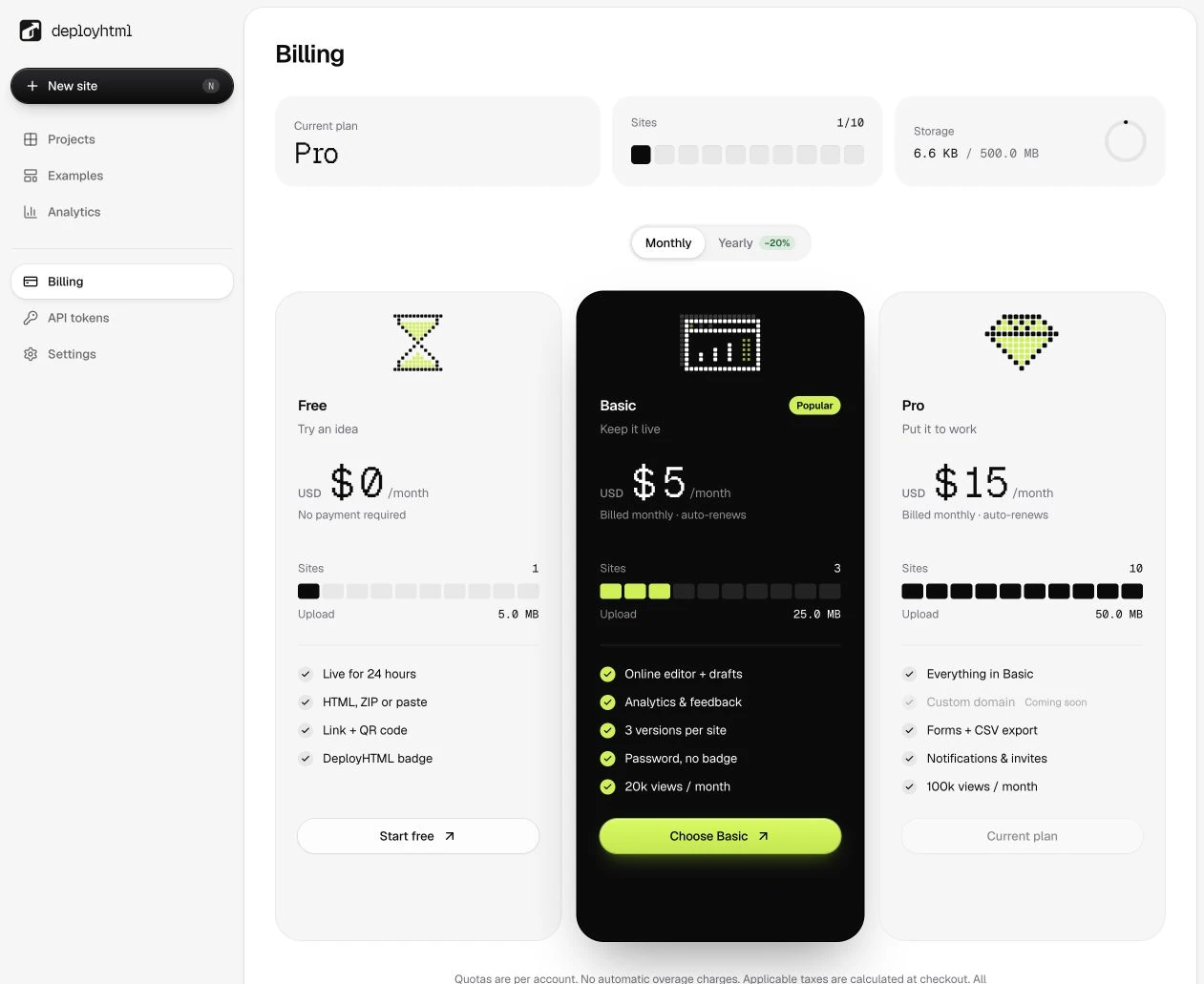
Do not infer a successful charge from a button click or a checkout URL. The account entitlement is updated from verified payment/subscription information. For asynchronous methods, payment confirmation may take additional time.
If payment is still pending
Return to Billing and check its status or refresh the existing transaction flow. An unpaid checkout is not proof that money moved. Avoid creating repeated payments while an earlier one is unresolved. If you need help, describe the status and include a non-secret transaction/reference from your own account.
Manage a recurring subscription
Use the billing management action available for your active recurring plan. Review the provider's cancellation confirmation and the account's paid-through date. Cancellation generally stops renewal while the paid entitlement continues through that date; it does not erase previously paid orders.
A prepaid period can expire without a recurring renewal. Check the actual plan type and period shown for your account rather than applying recurring-subscription instructions to every payment method.
Hosting after a transition
Review expiration and recovery before allowing a plan to end. Download important files and check the number of active websites and retained versions against the destination plan.
For a billing request, use workspace support. Do not send full card numbers, passwords, API keys or private payment credentials. Plan capabilities and limits are listed in plans and limits.
Last updated on